



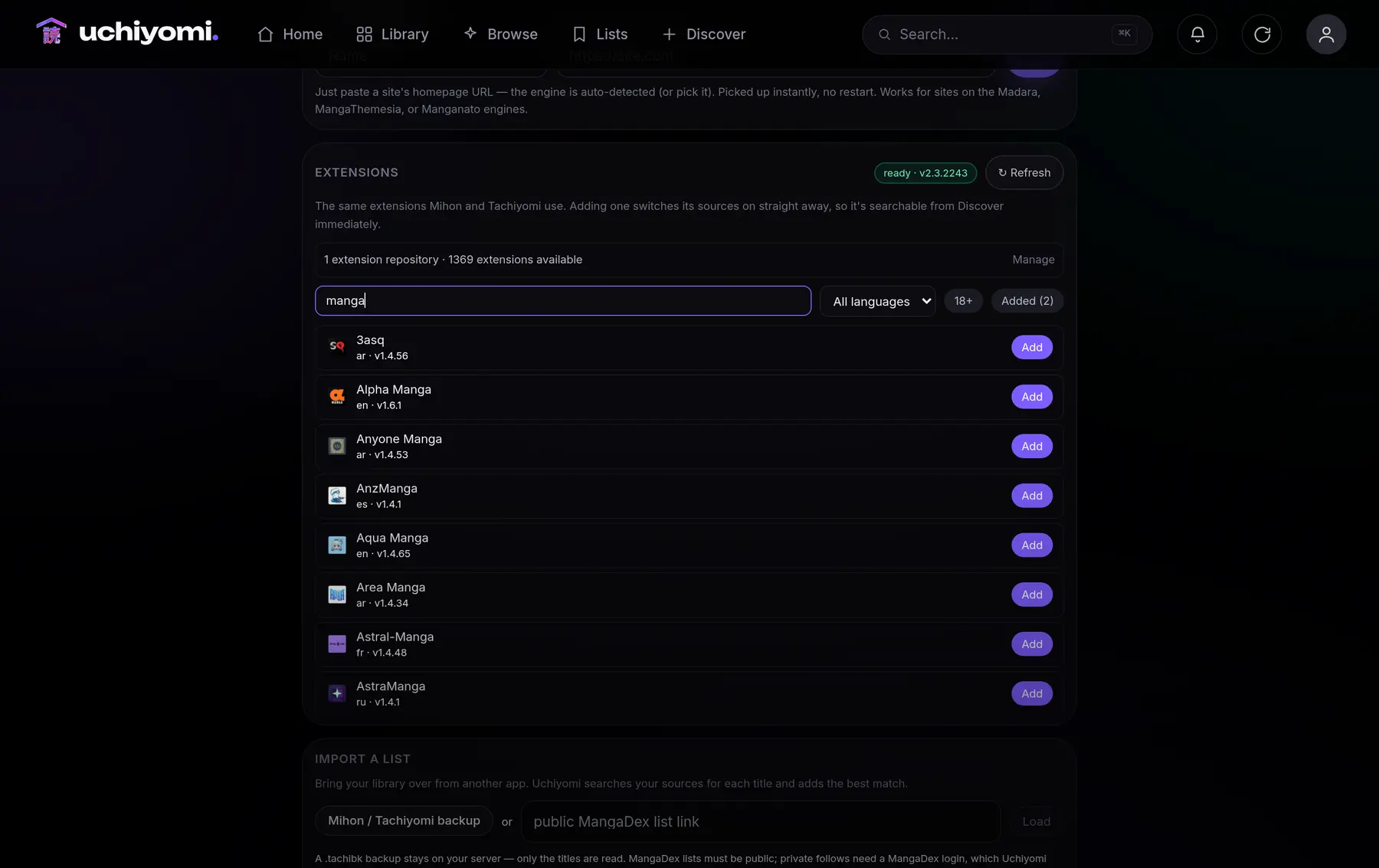
Mihon extensions
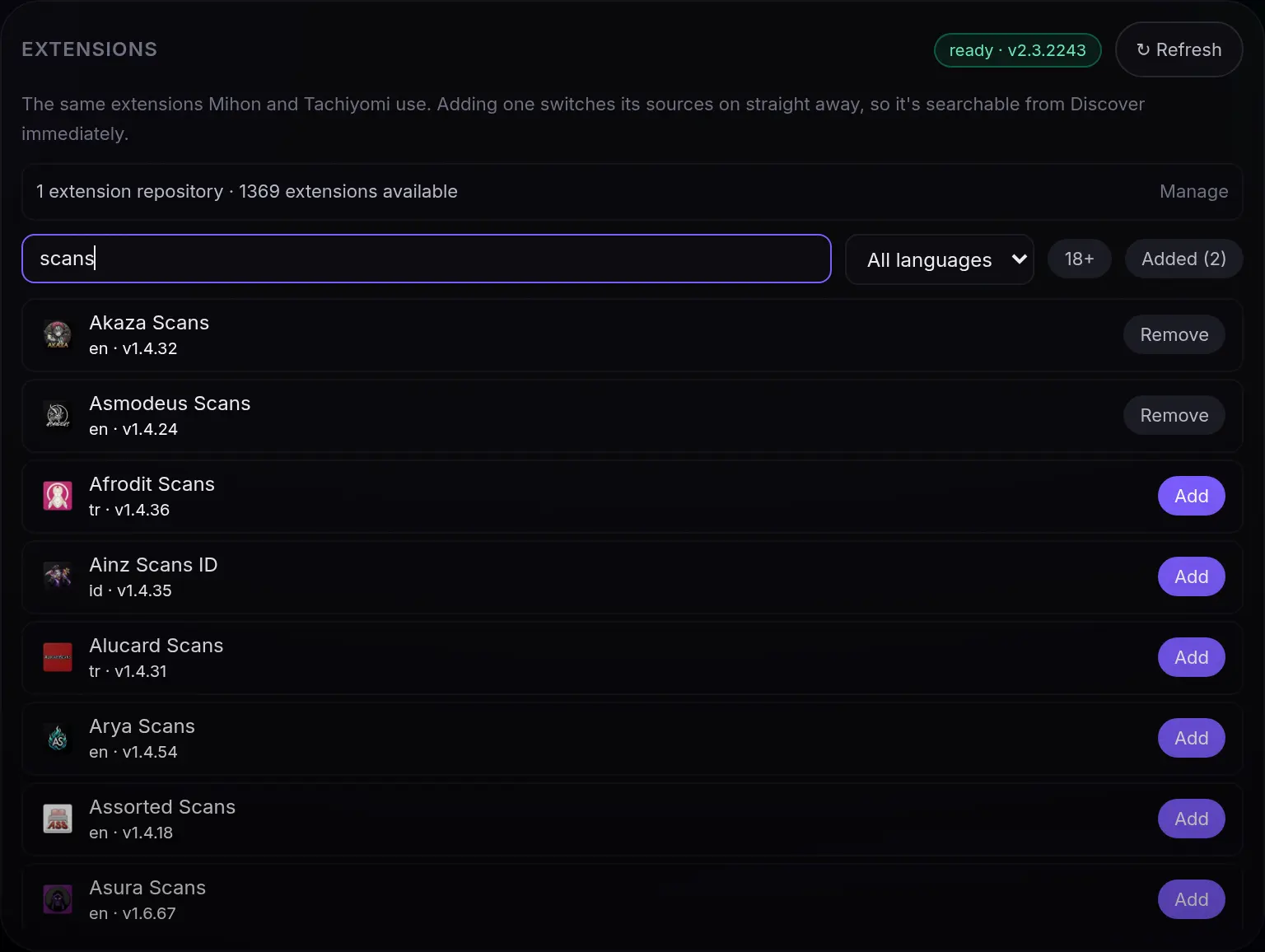
1,402 of them in the catalogue most people use. Click Add, search immediately.
Self-hosted · open source · installable PWA
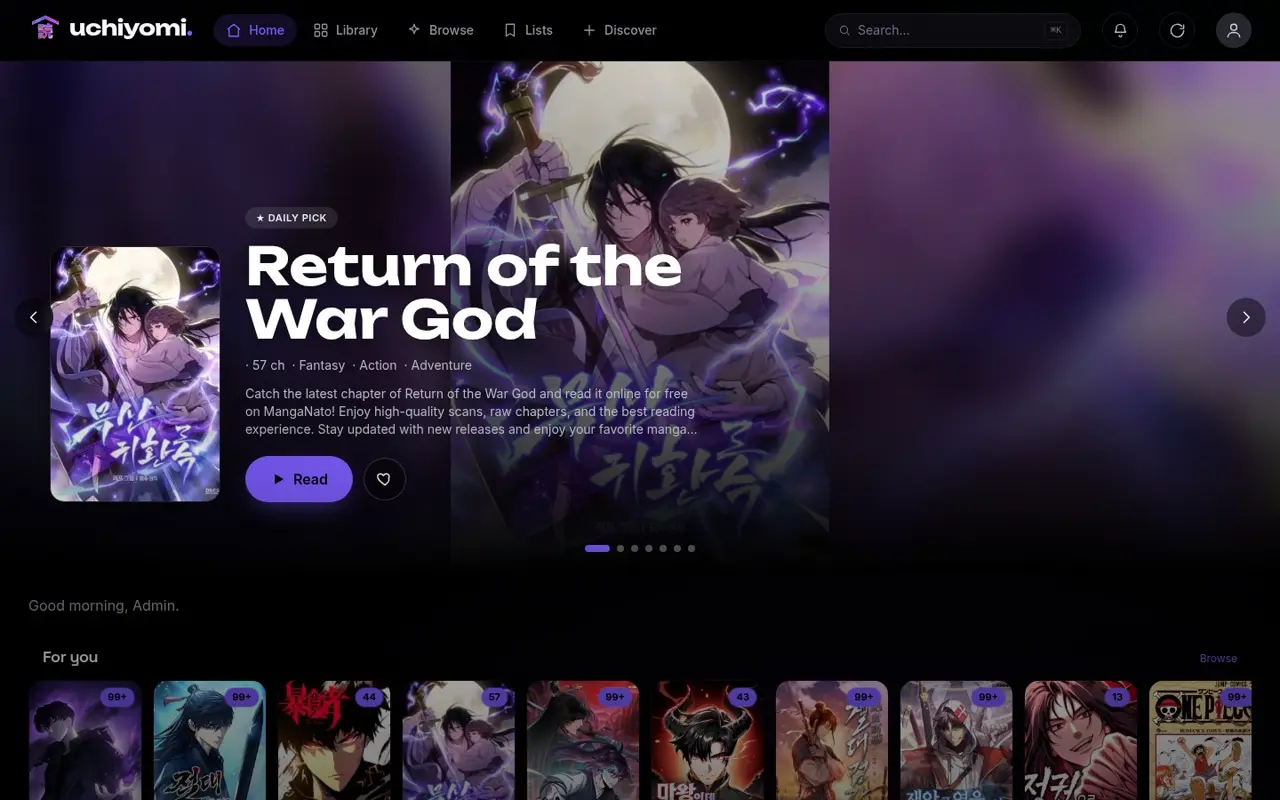
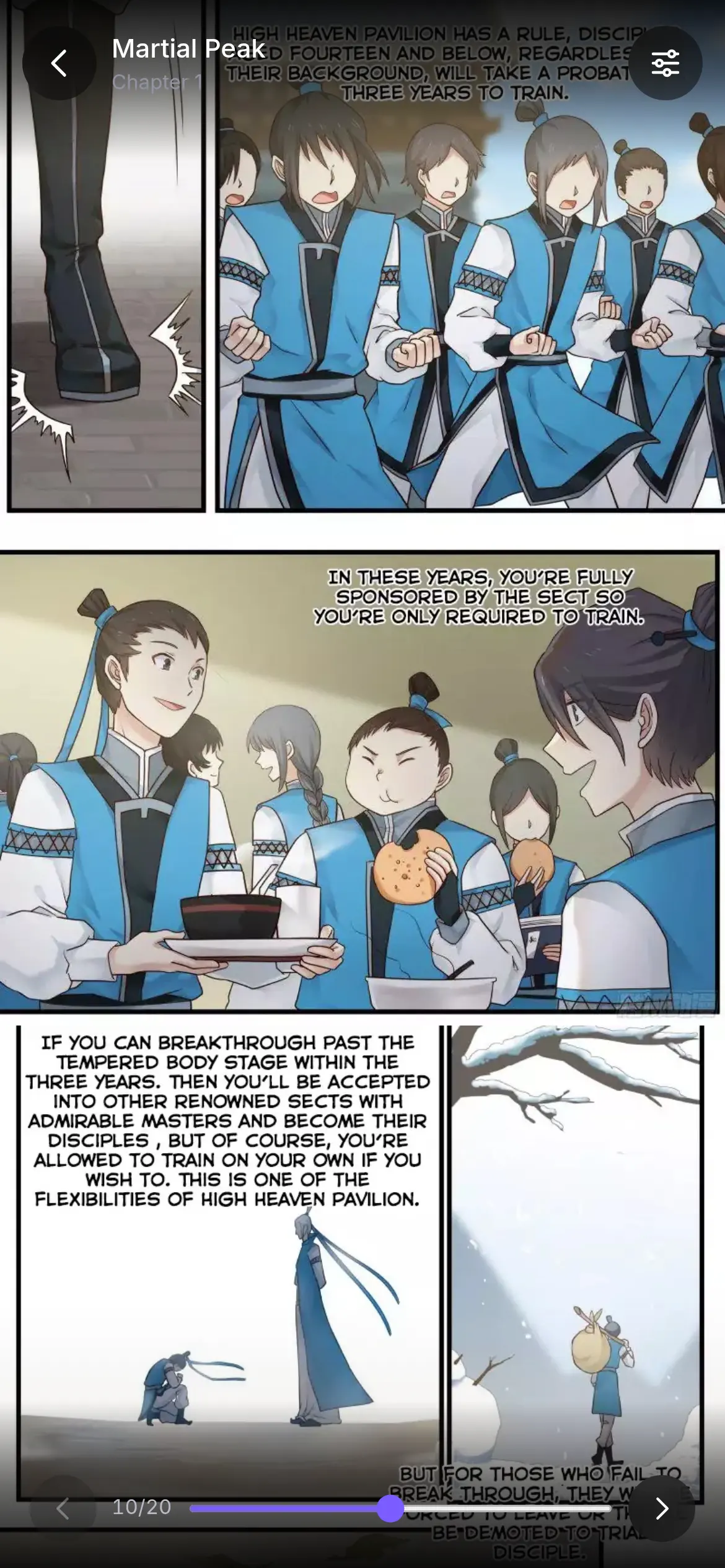
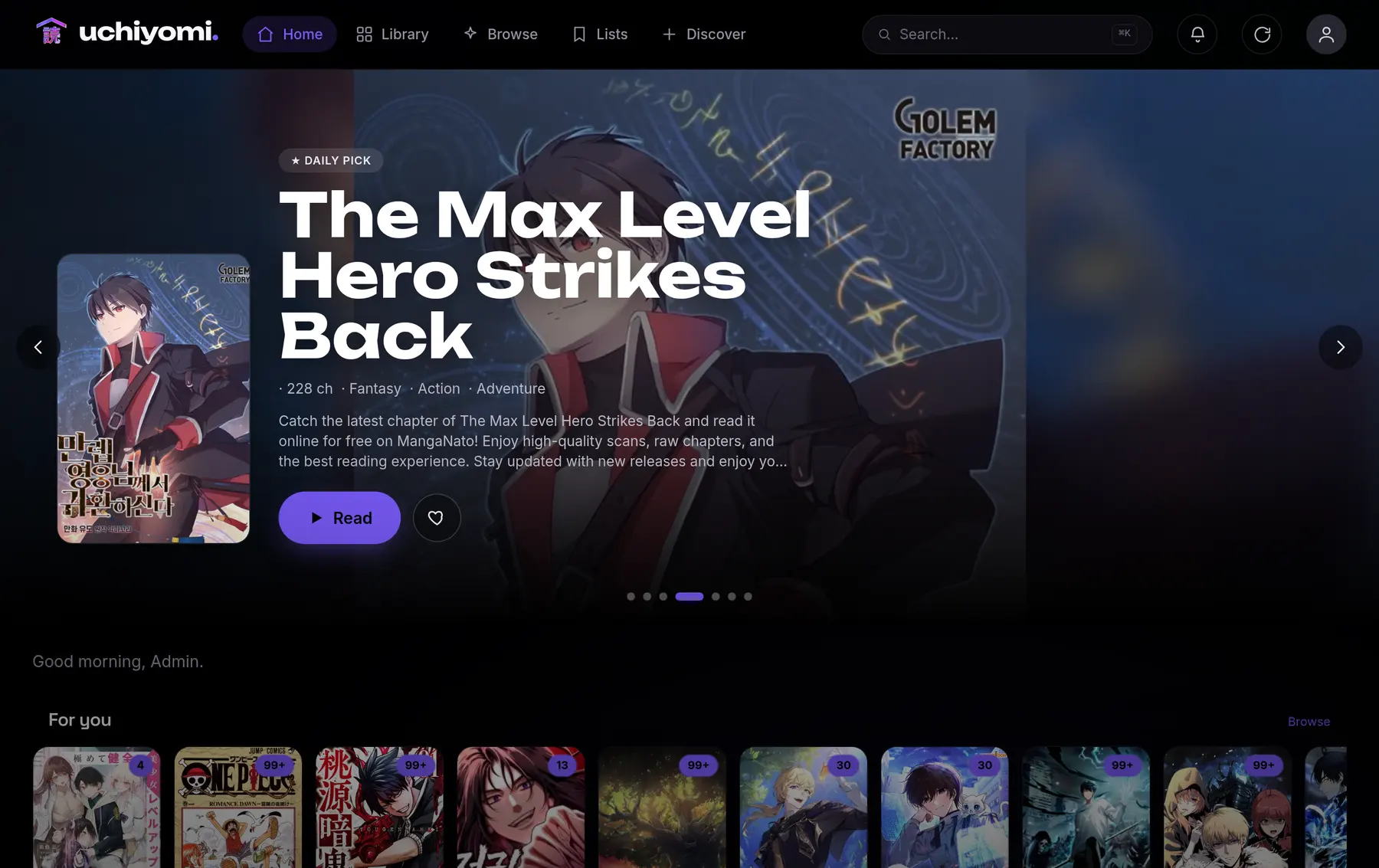
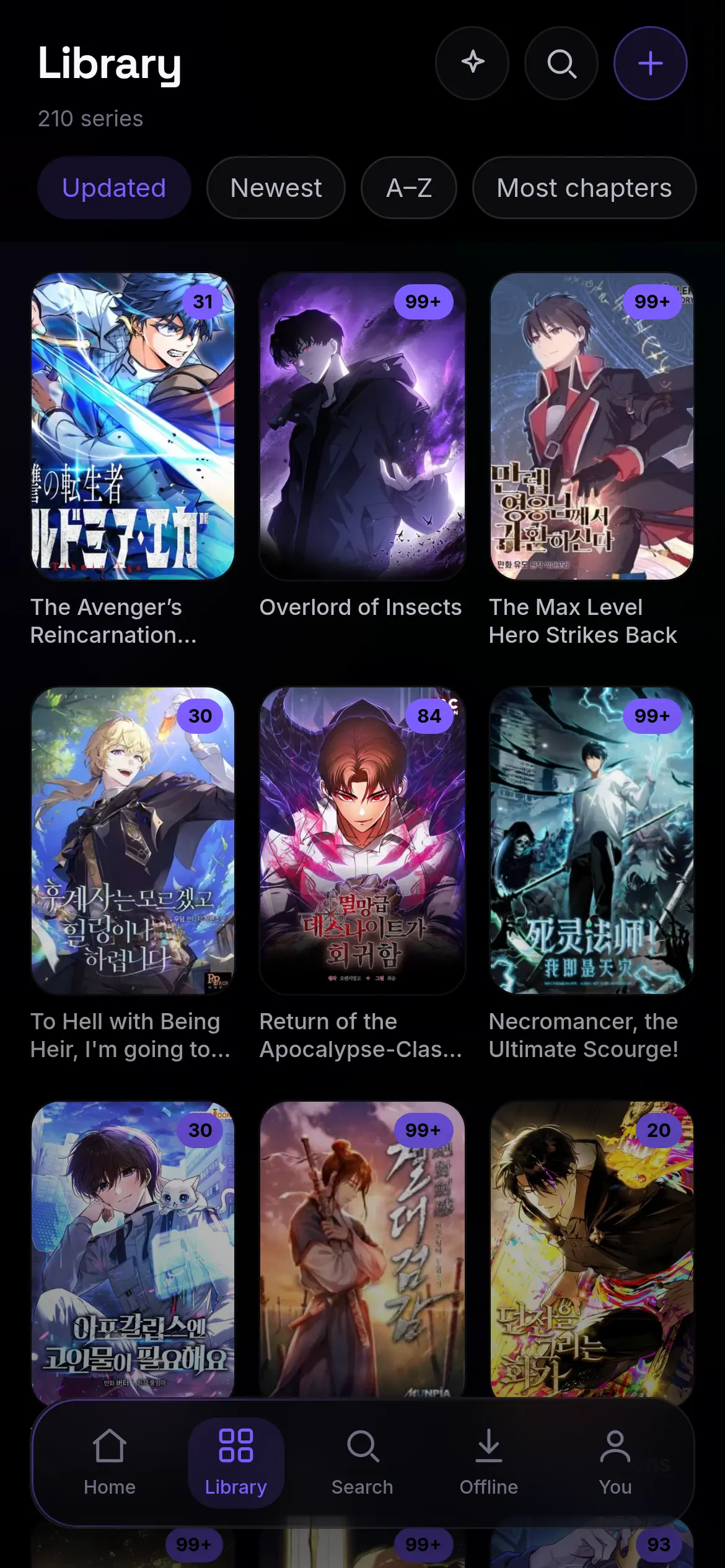
A manga library that fills itself. Point it at a series and Uchiyomi downloads it, watches for new chapters, and serves them to a reader built for webtoons. One compose file, on your own server, and it installs like an app.
Most self-hosted readers stop at reading. This one watches your series too.
v0.55.1 · 4 October 2026 · Fix everything, after its first real run
The pitch
 uchiyomi.
If you run Sonarr for TV and Radarr for films, this is the same idea for manga · the whole *arr stack for manga, in one container, with the reader included. How that compares to kaizoku and Mangarr →
The tour
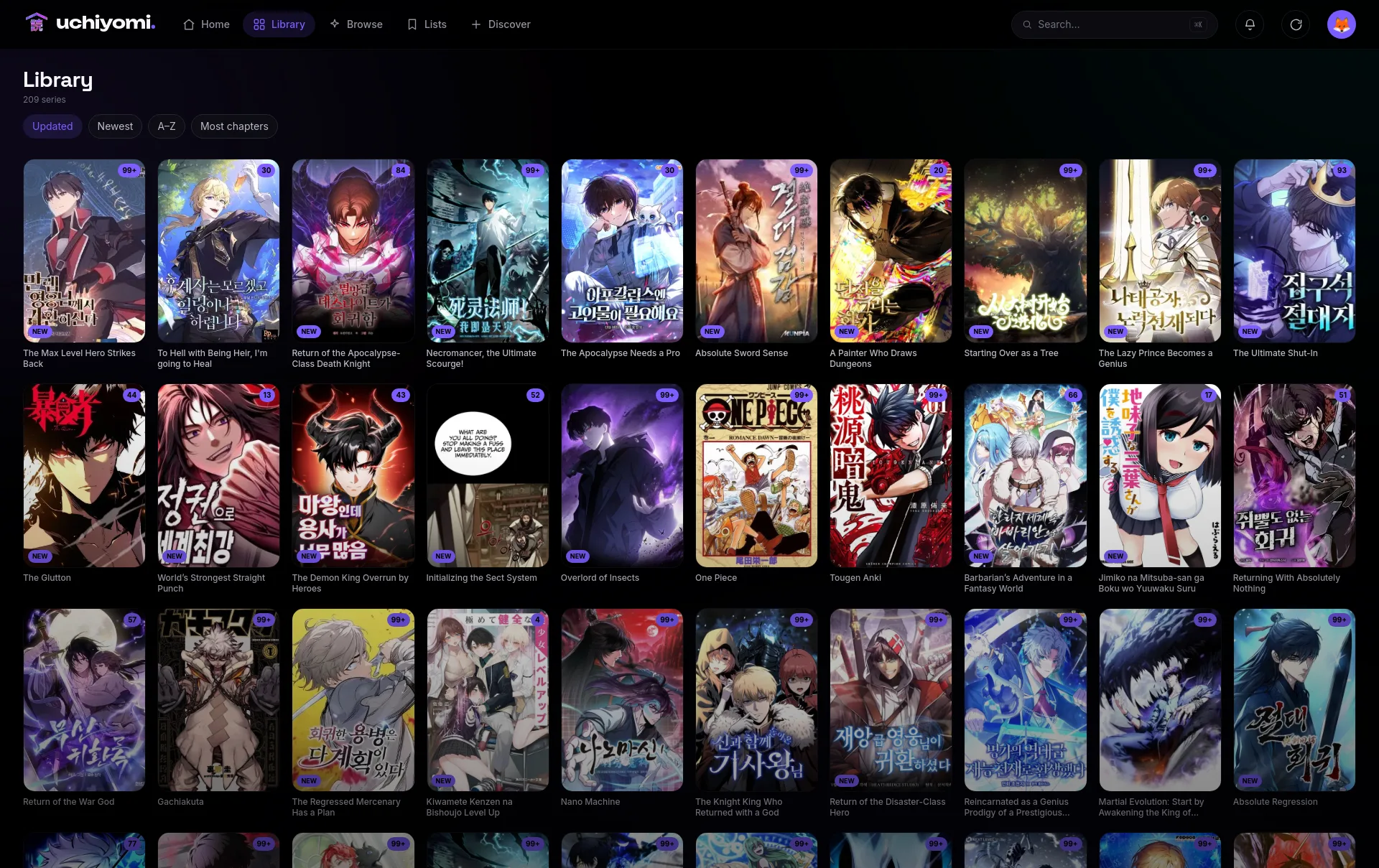
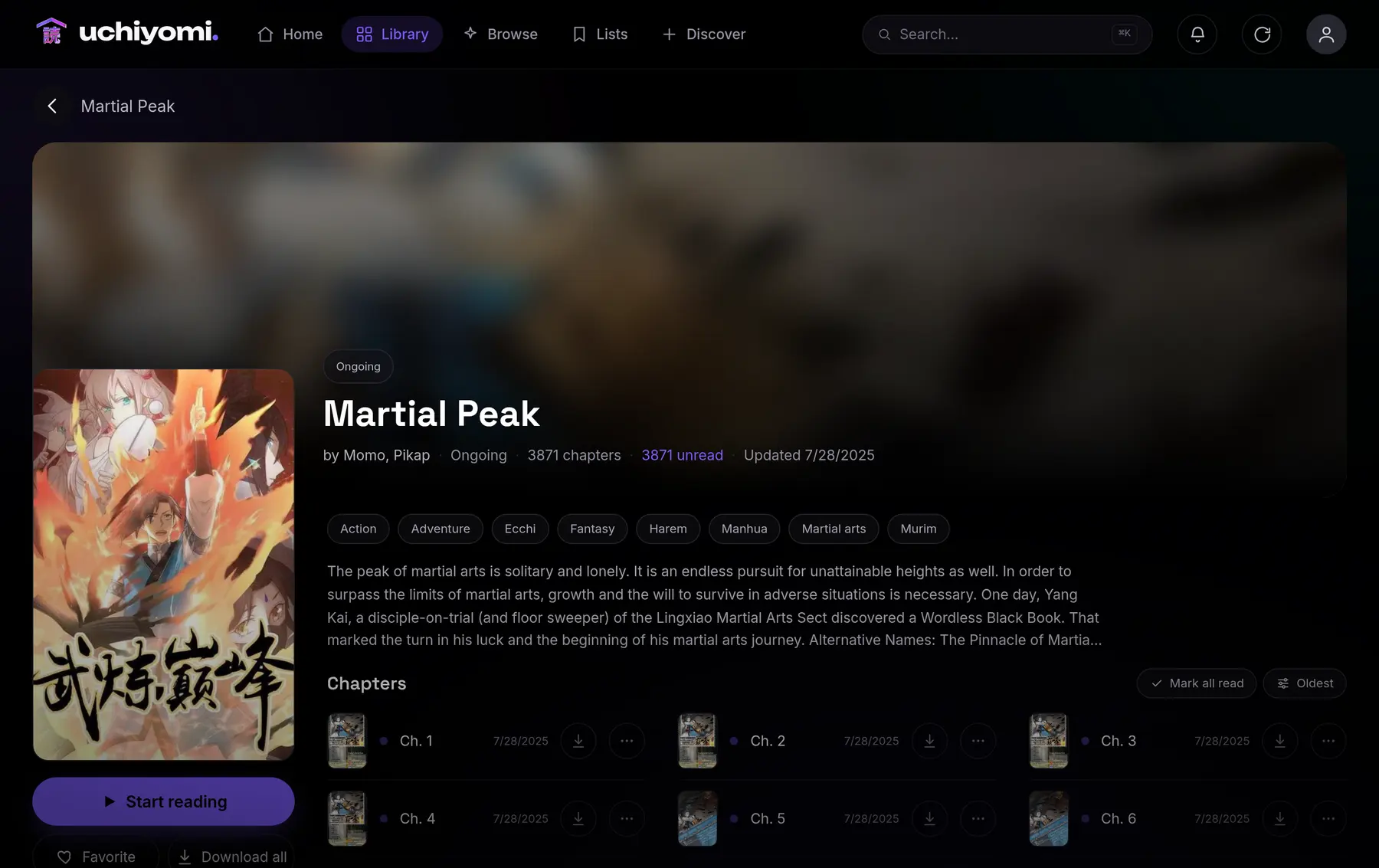
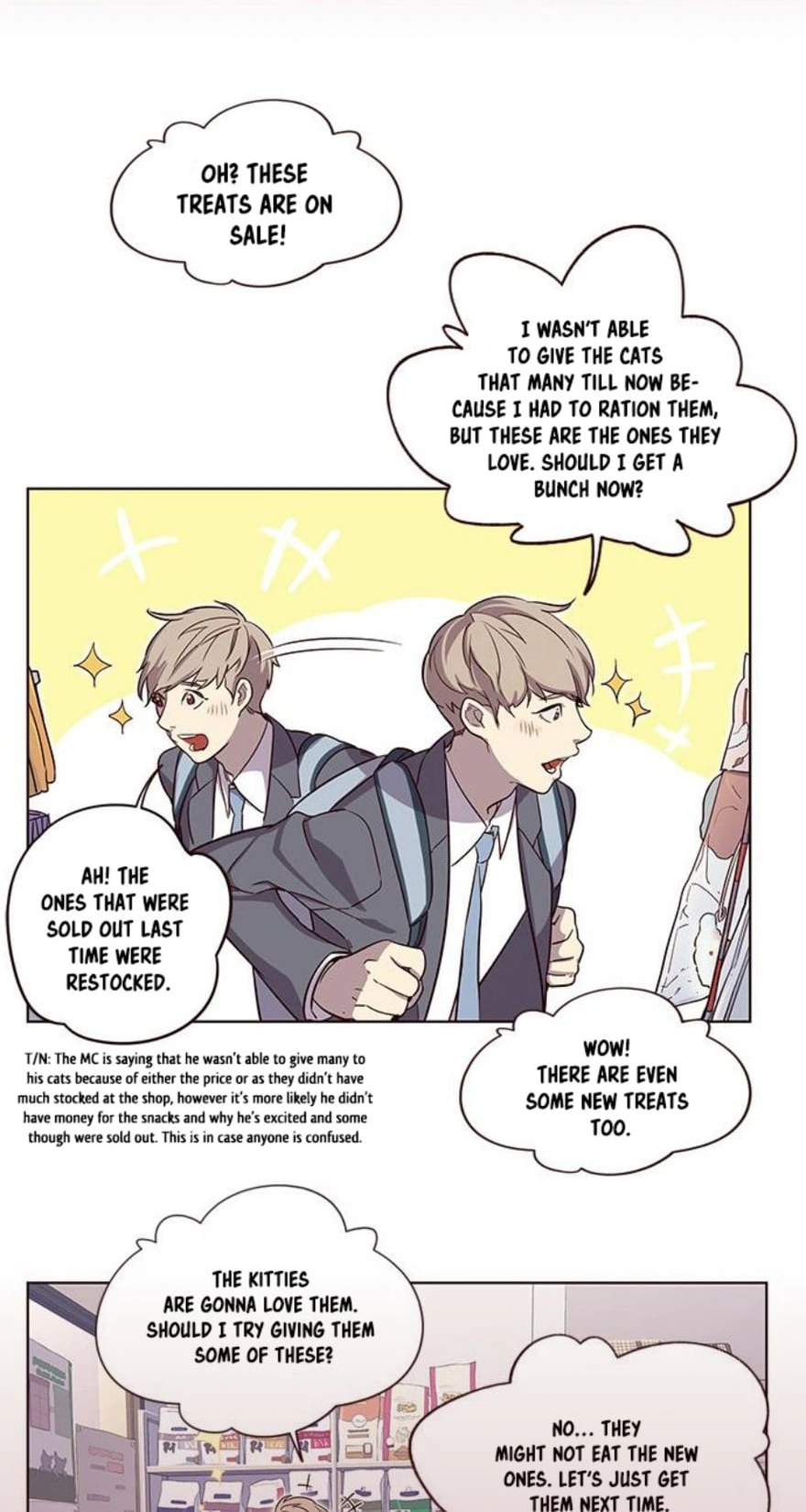
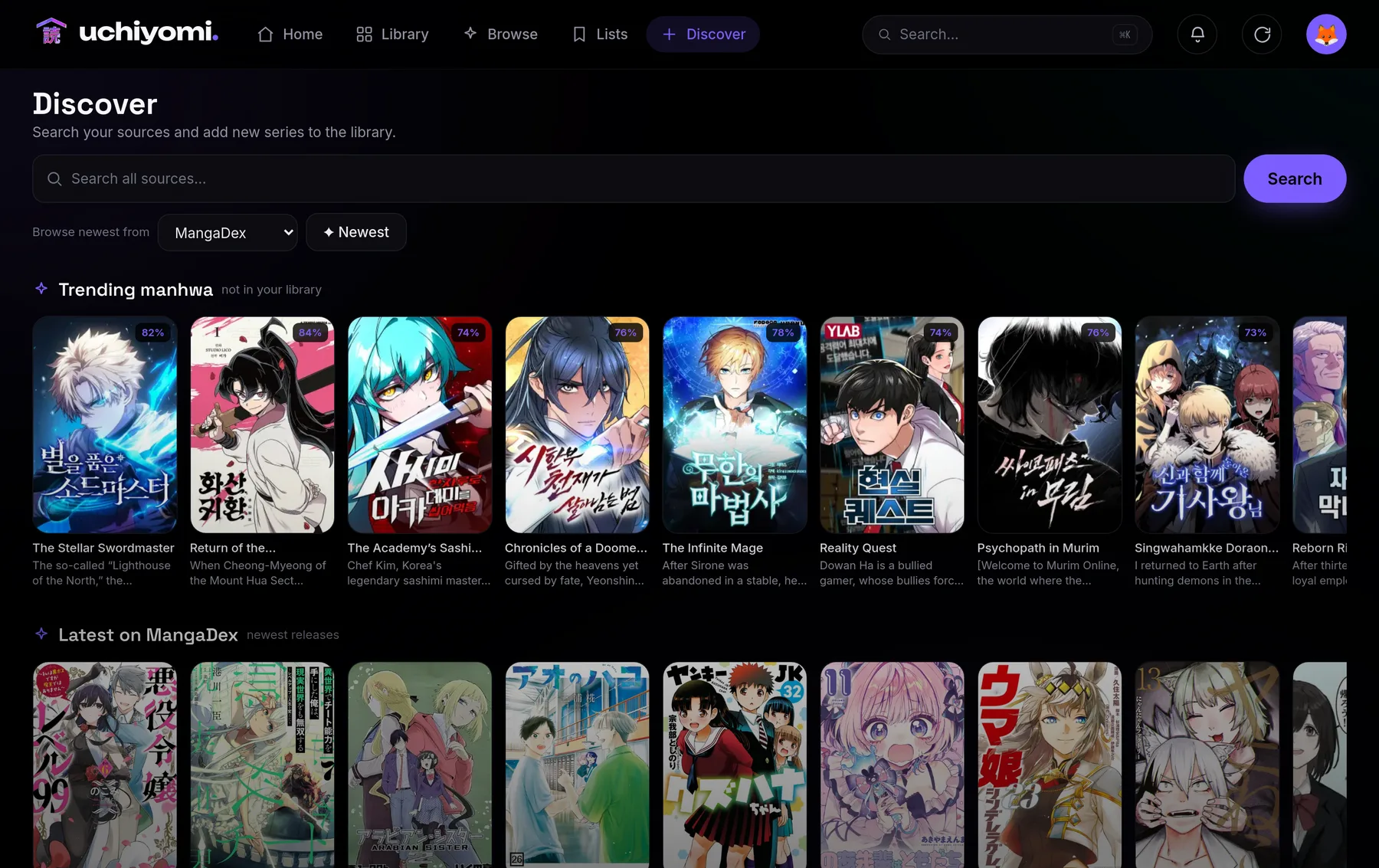
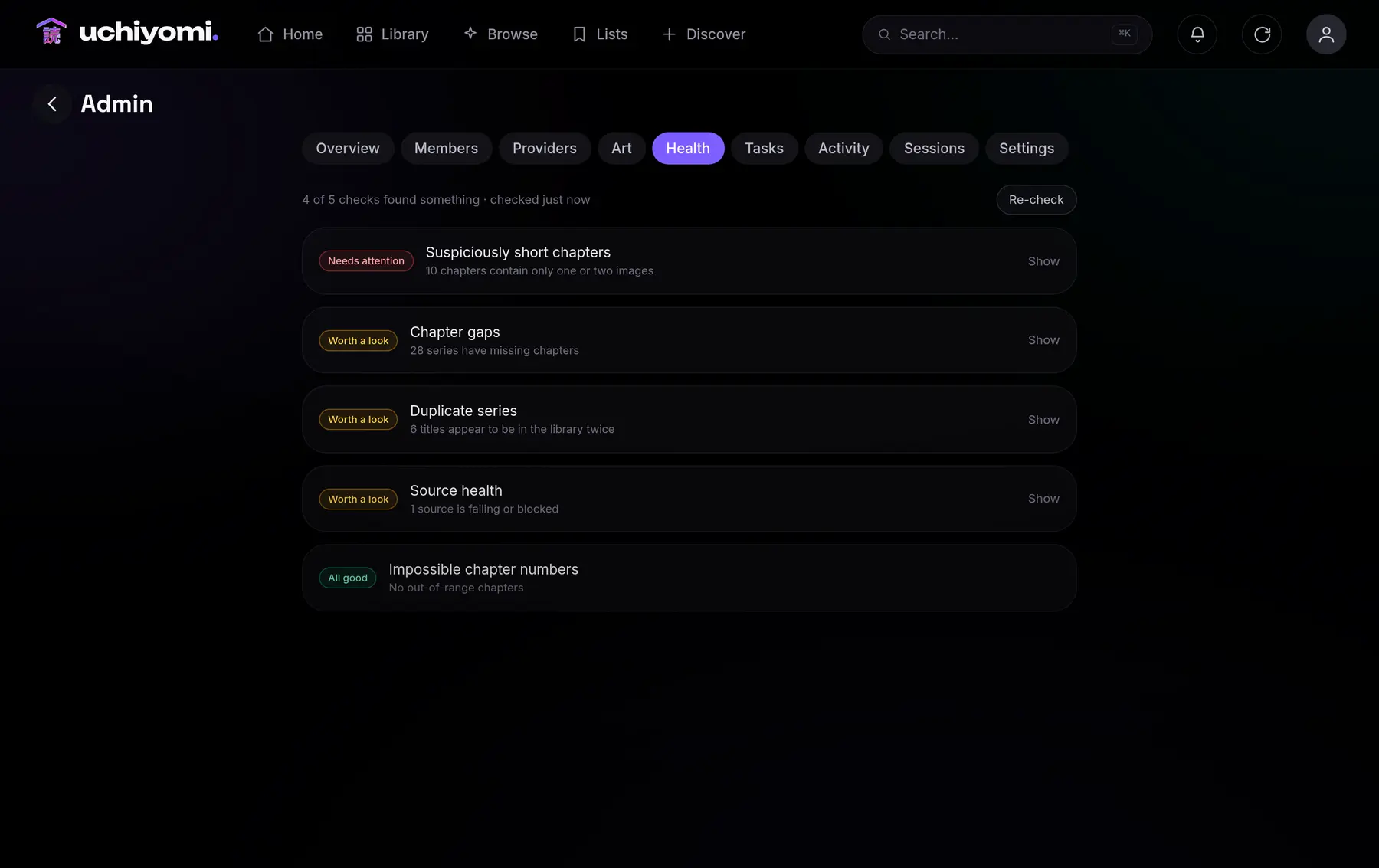
Two doors, one search
1,402extensions, one click
Built-in engines reach whole families of manga sites from a pasted URL, with nothing to wire up. Want more? Point Uchiyomi at an extension repository you trust and add one with a click. Both land in the same search.
Why Uchiyomi
A library server reads files you supply but can’t fetch new chapters. A source app fetches them but is Android-only or wrapped in a basic web UI. Uchiyomi does both, in something worth opening.
| Uchiyomi | Komga / Kavita | Tachiyomi / Mihon | Suwayomialso runs inside Uchiyomi | |
|---|---|---|---|---|
| Fetches new chapters from sources | ✓ | ×you supply files | ✓ | ✓ |
| Webtoon-first reader (continuous vertical scroll) | ✓ | paged-first | Android | paged-first |
| Installable PWA + offline, any device | ✓ | partial | Android only | partial |
| 2FA · lockout · audit log · sessions | ✓ | partial | × | × |
| Reaches Mihon’s extensions | ✓ | × | ✓ | ✓ |
| An 18+ library hidden until asked for | ✓ | × | × | × |
Six rows of eighteen · the full table, and five honest paragraphs about what Komga, Kavita, Suwayomi, Mihon and kaizoku each do better, are on the comparison page. Compiled 2026-09-22 against v0.40.0; if a row is wrong, open an issue and I’ll fix it.
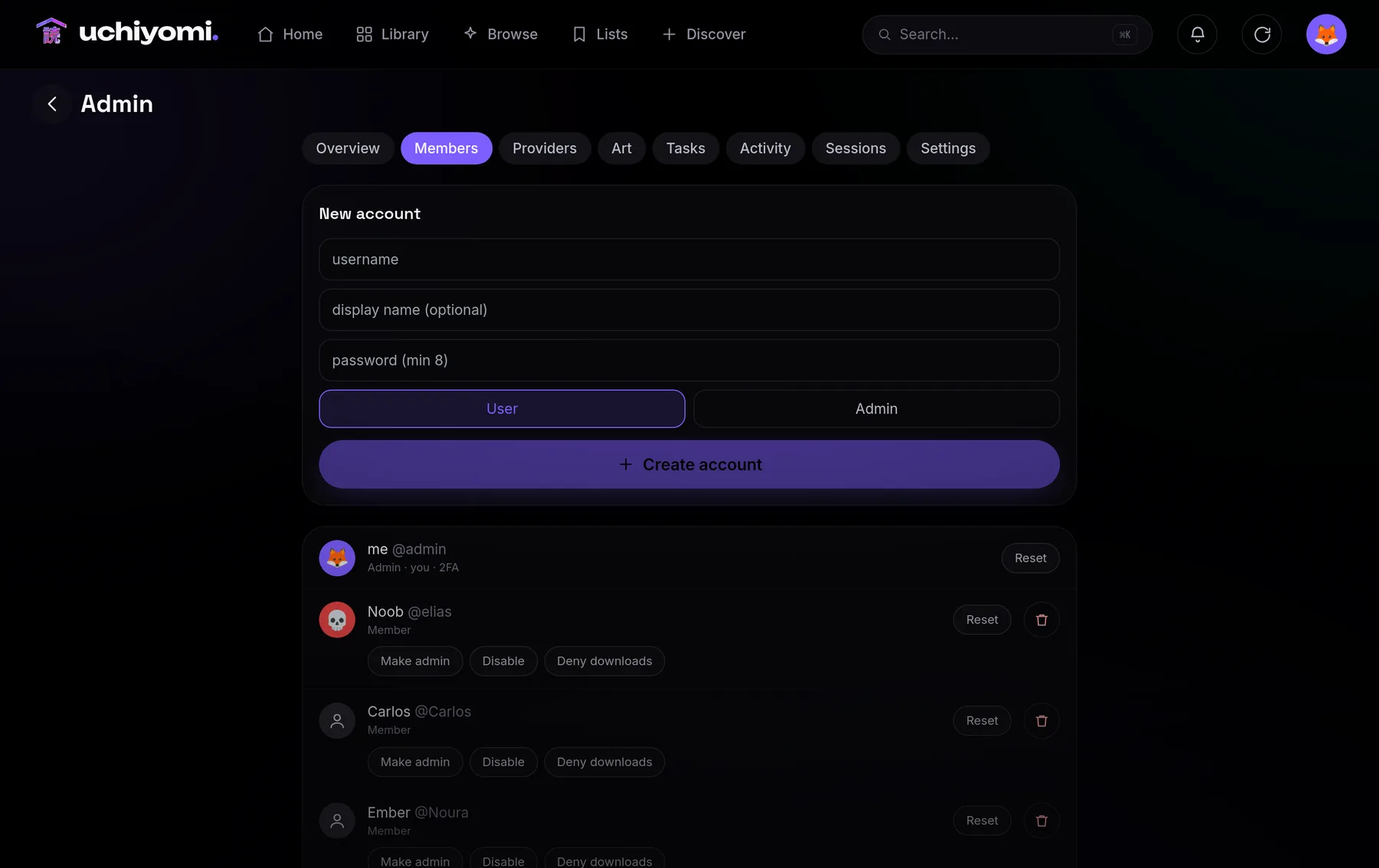
The combination nobody else offers: one app that finds, fetches, tracks and reads, for a whole household.
Inside
1,402 of them in the catalogue most people use. Click Add, search immediately.
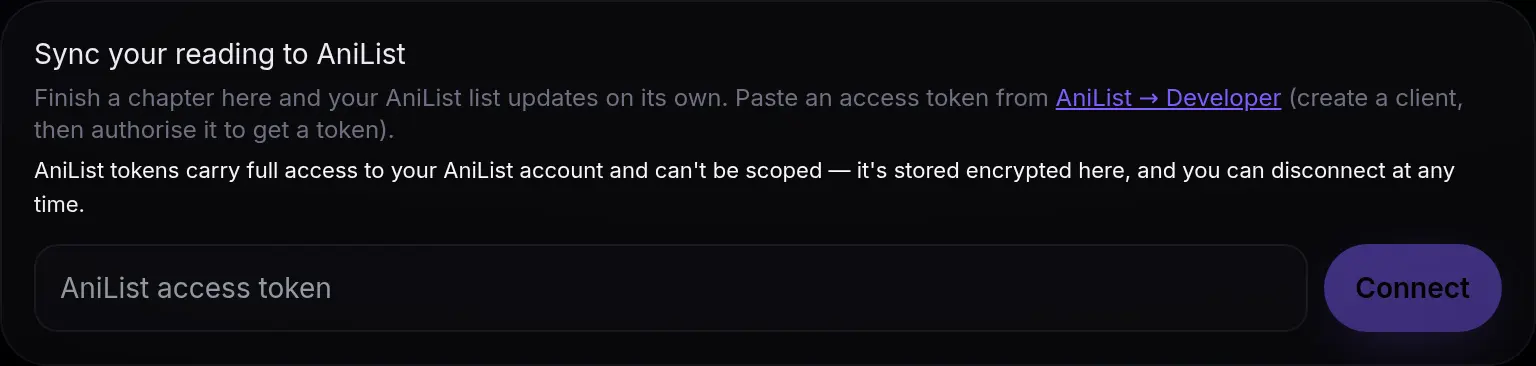
AniList, MyAnimeList or Kitsu. Finish a chapter, your list updates itself.

Finds gaps, bad downloads and duplicates for you.
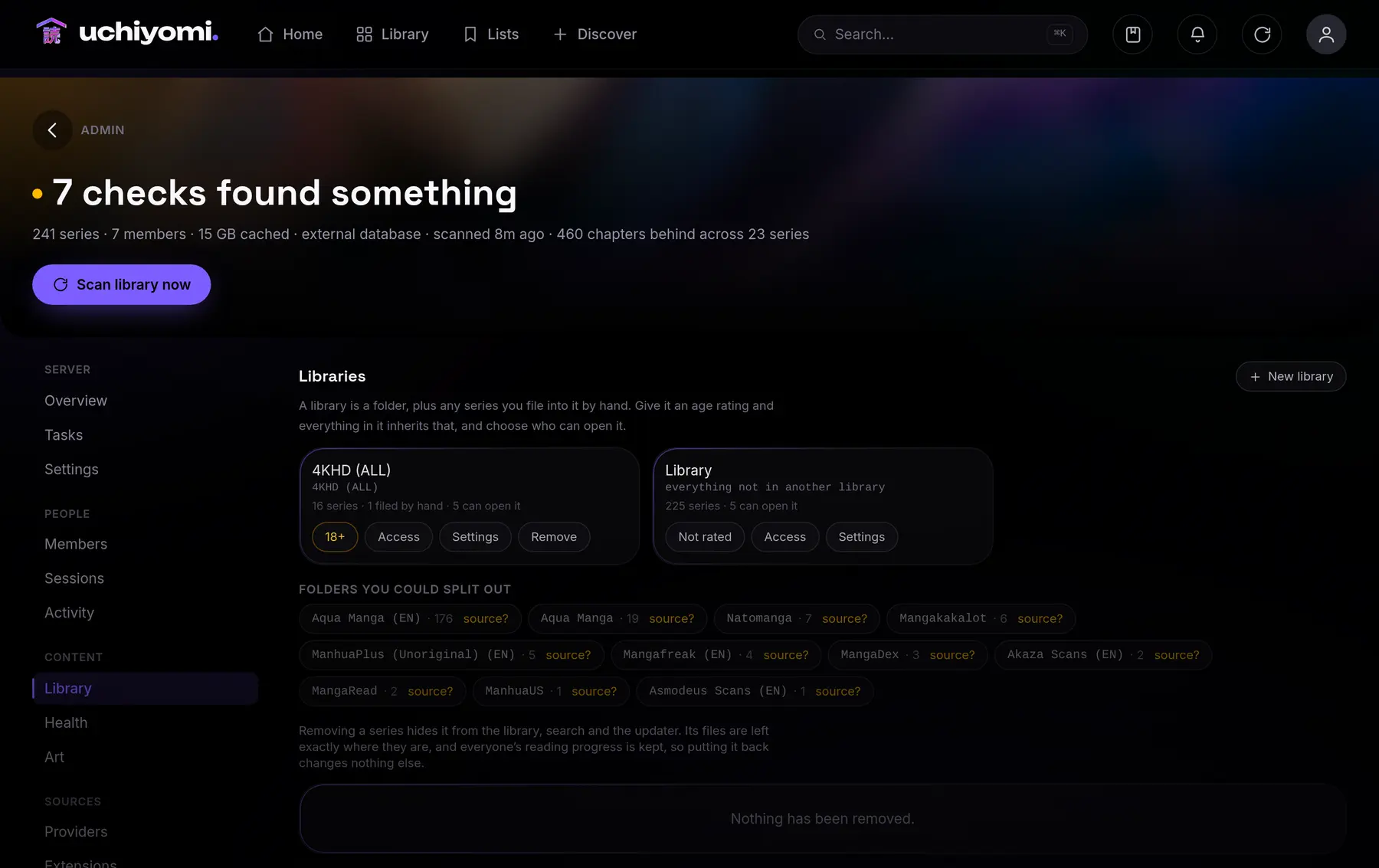
Split the collection into libraries, give each one an age rating and choose who opens it. An 18+ shelf stays off the home screen, the grid and search entirely until somebody asks for it.
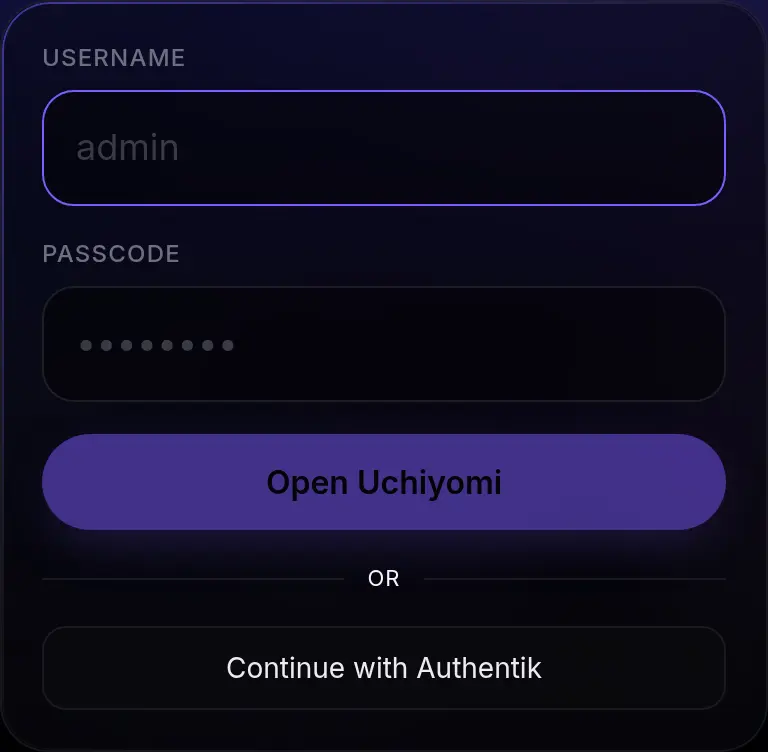
OIDC against Authentik, Authelia or Keycloak.

Read, write or admin. Revocable any time.
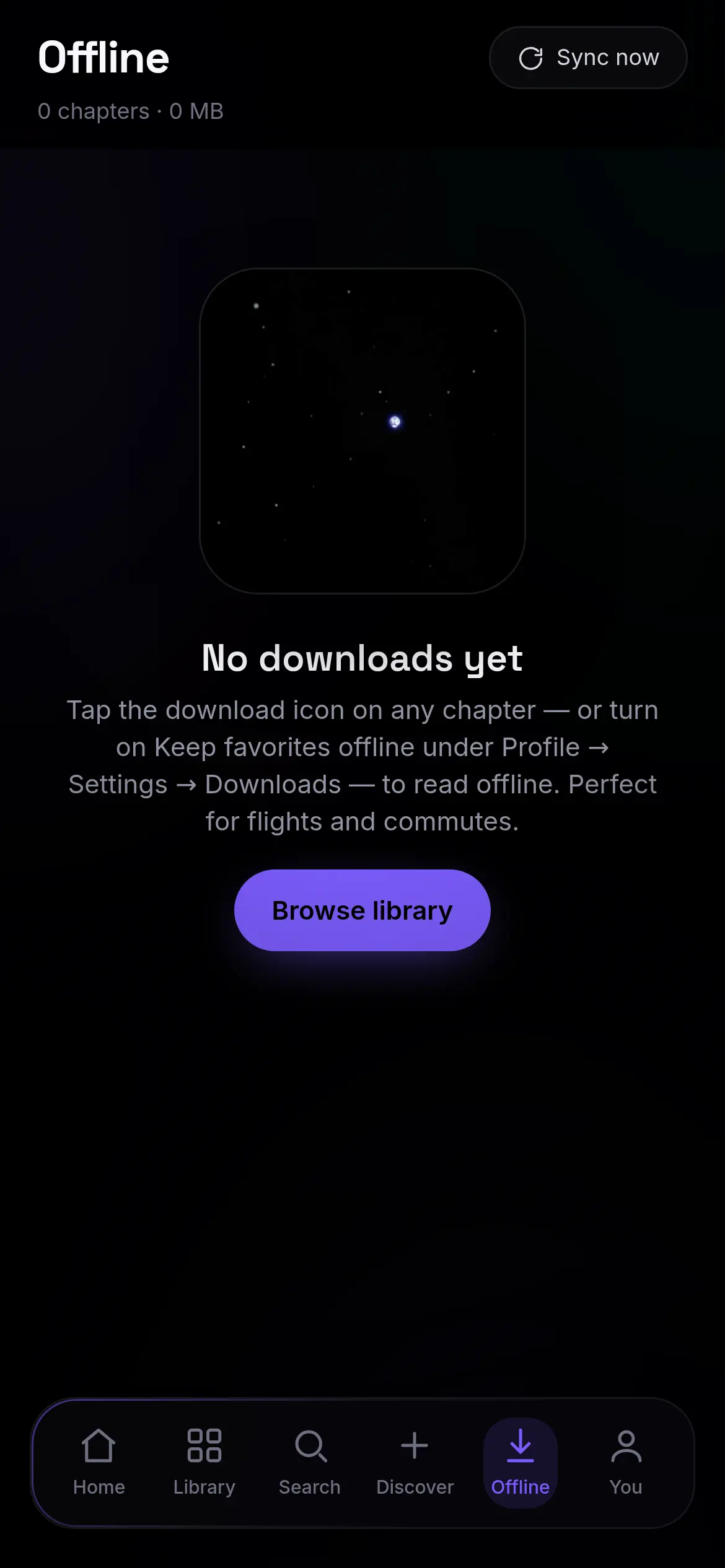
Installs as an app and keeps chapters on the device. Reads on a plane, syncs your place when you land.
Accounts, progress, streaks and a leaderboard.
English, Spanish, French, German, Portuguese, Russian, Japanese, Chinese and Arabic. Arabic mirrors the whole layout, not just the text.
Database and config, rotated, restorable.
Self-host in minutes
The reader and the API are one container. One
docker compose up brings it up with the database, the Cloudflare solver and the extension
engine. No stack to assemble.
// one file, prebuilt images — nothing to compile
  $ curl -O https://raw.githubusercontent.com/AngeloSha/uchiyomi/main/deploy/docker-compose.yml

  // already have a manga folder? point at it first (optional)
  $ echo "LIBRARY_PATH=/path/to/your/manga" > .env

  $ docker compose up -d

  // later, to update: docker compose pull && docker compose up -d

  // open http://localhost:8080 and create your admin account
  // in the browser, add a source by URL, and start reading.
  ✓ uchiyomi               running
  ✓ uchiyomi-db            running
  ✓ uchiyomi-flaresolverr  running
  ✓ uchiyomi-suwayomi      running
You will be installing v0.55.1 · 4 October 2026 · Fix everything, after its first real run.
Upgrading later is docker compose pull && docker compose up -d · the database
migrates itself and your volumes are untouched. Every release → ·
the full setup walkthrough →
· no server? the Windows and Mac app →
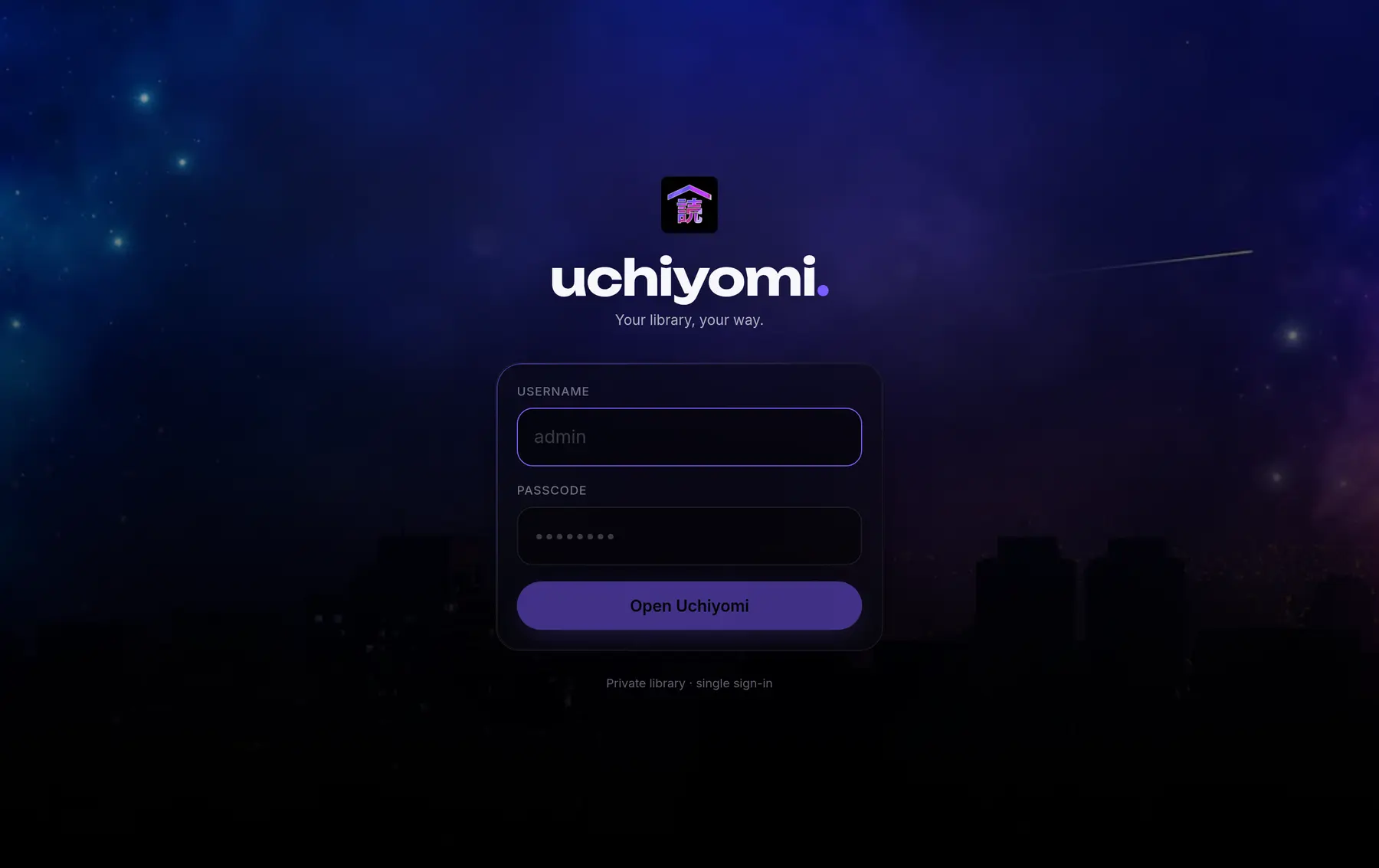
Install it
It installs from your own server, not an app store. Open your Uchiyomi in the browser and add it to the home screen: full-screen, true black, and it reads offline.
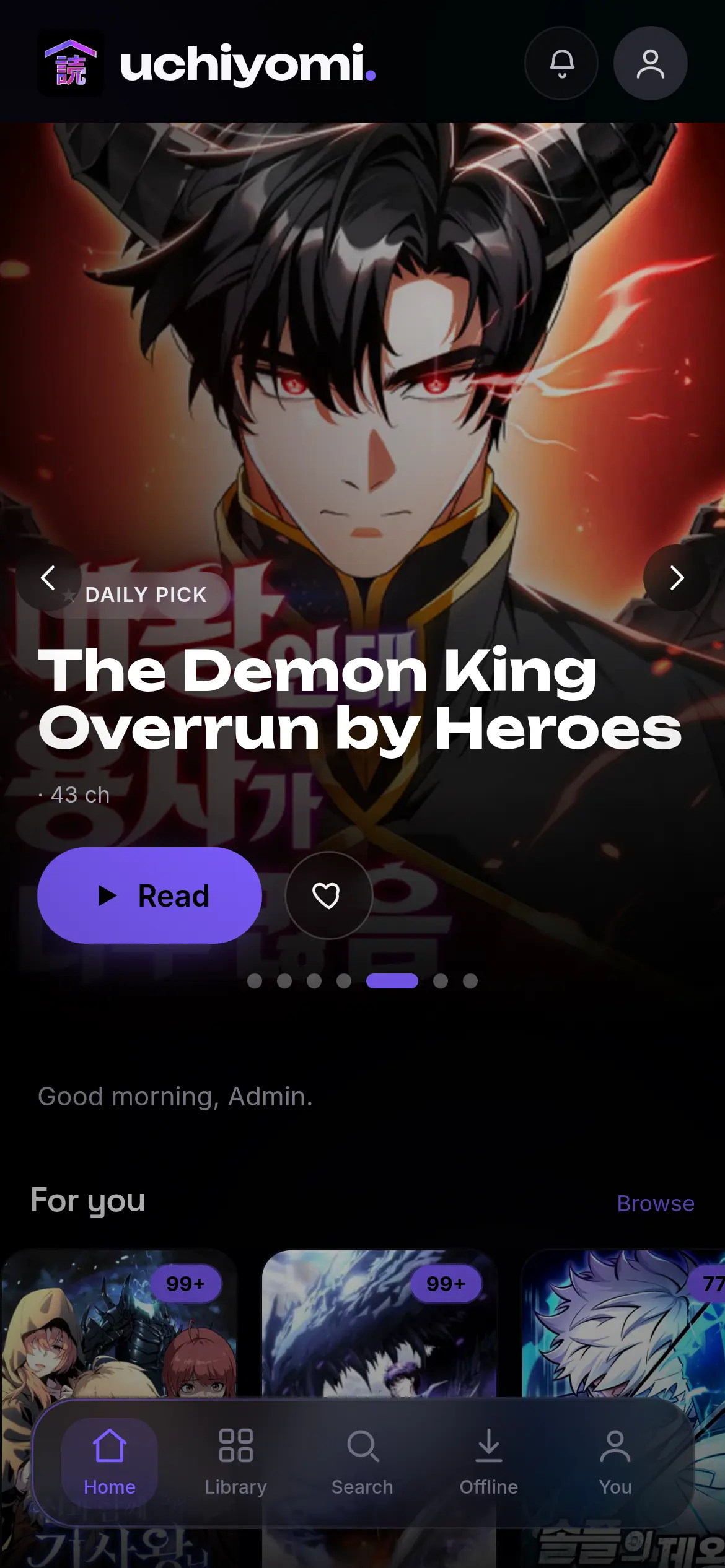
Safari → Share → Add to Home Screen Chrome → menu → Install app
What’s new
Prefer or block scanlation groups, see every version of a chapter, fetch the one you want.
Chapters the sources list but your disk lacks show up as grey rows you can select and fetch.
A Mihon backup, a MangaDex list or your AniList list — every match checked before it lands.
also shipped · Discover search that answers progressively instead of waiting for the slowest source · follow one series on a second source · automatic switching when a source refuses · a part-downloaded chapter kept and repaired overnight · import your AniList, MyAnimeList or Kitsu list · Library select-all with bulk fetch and removal · Verify chapter files · a Komga-compatible API, so Mihon can read your library · age ratings with a per-member limit · an 18+ library kept off every browsing surface until asked for · a per-member permission to add series at all · nine languages with right-to-left · bookmarks · PDF and image EPUB · editable metadata that survives a rescan · any folder layout · several libraries with per-member access · single sign-on · scoped API tokens · push notifications · OPDS with expiring links · nightly backups
on deck · per-source genre browsing · native App Store and Play builds
Documentation
Every screen walked through with screenshots, every environment variable listed, and the parts that bite: reverse proxies, backups and restores, upgrading, and what to do when a source stops answering.
Every screen, with screenshots: library, reader, Discover, admin, security, offline. Ends with troubleshooting and an FAQ.
Read the guide →The compose file line by line, what counts as a series, reverse proxy and HTTPS, backups, upgrading, and what to check when something is wrong.
Set it up →Where chapters come from, whether it replaces Komga, what it runs on, and the questions where the honest answer is no.
Read the answers →Row by row against Komga, Kavita, Suwayomi, Mihon and kaizoku, including the rows Uchiyomi loses.
Compare →What a backup contains and what it deliberately leaves out, where to put them, and the exact commands to restore one.
Keep your data →Adding an extension repository step by step: what it is, where to find its address, and what every message means.
Add sources →The whole app on your own computer with no Docker, or a window onto your server. Downloads and the first launch, step by step.
Download →Scoped tokens, the endpoints worth scripting, single sign-on with OIDC, and the full route list.
Script it →Every release, what changed and why, including the bugs that shipped and what they cost.
See the history →also · migrating between layouts · security policy · contributing