
Home/Mihon server
Mihon and Tachiyomi extensions, on your own server
Mihon is a great phone app. A server takes the same extensions off one phone: the library downloads while you sleep, every device in the house reads it, and Mihon can still be the reader in your pocket.
What runs the extensions: Suwayomi
Mihon and Tachiyomi extensions are Android code, so they cannot run in an ordinary server. One project solved that: Suwayomi-Server, which converts an extension to run on Java and gives it a stand-in for Android. Uchiyomi runs Suwayomi-Server as its extension engine, headless, in a container of its own that starts with the rest. You never open it: Uchiyomi asks it to search, to list chapters and to fetch pages, and does everything else itself.
It is a Java program and uses about 750 MB of memory once running, capped at 1.5 GB in the shipped compose file. It is optional: MangaDex and the sites you add by pasting their address work without it.
Adding a repository
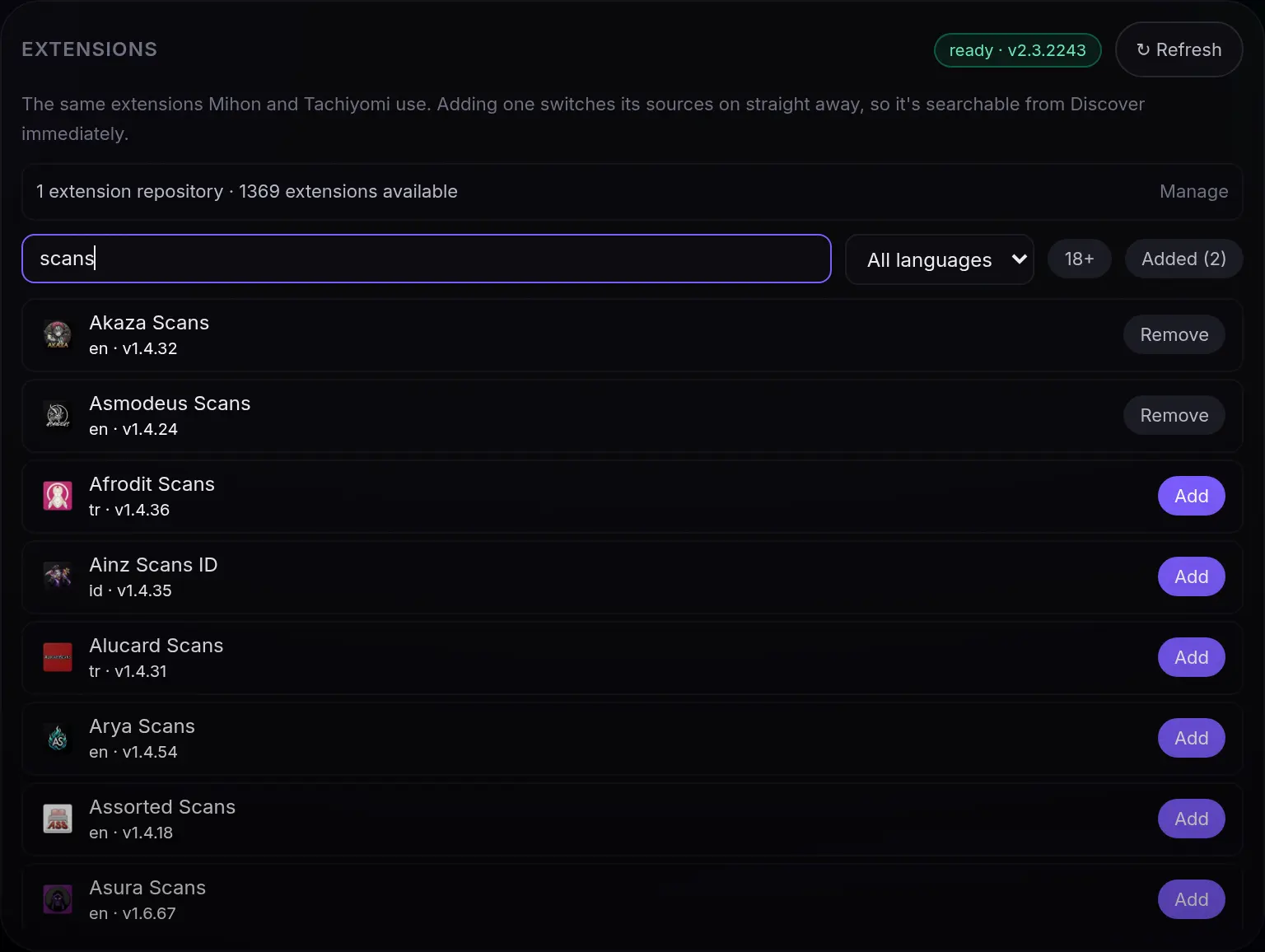
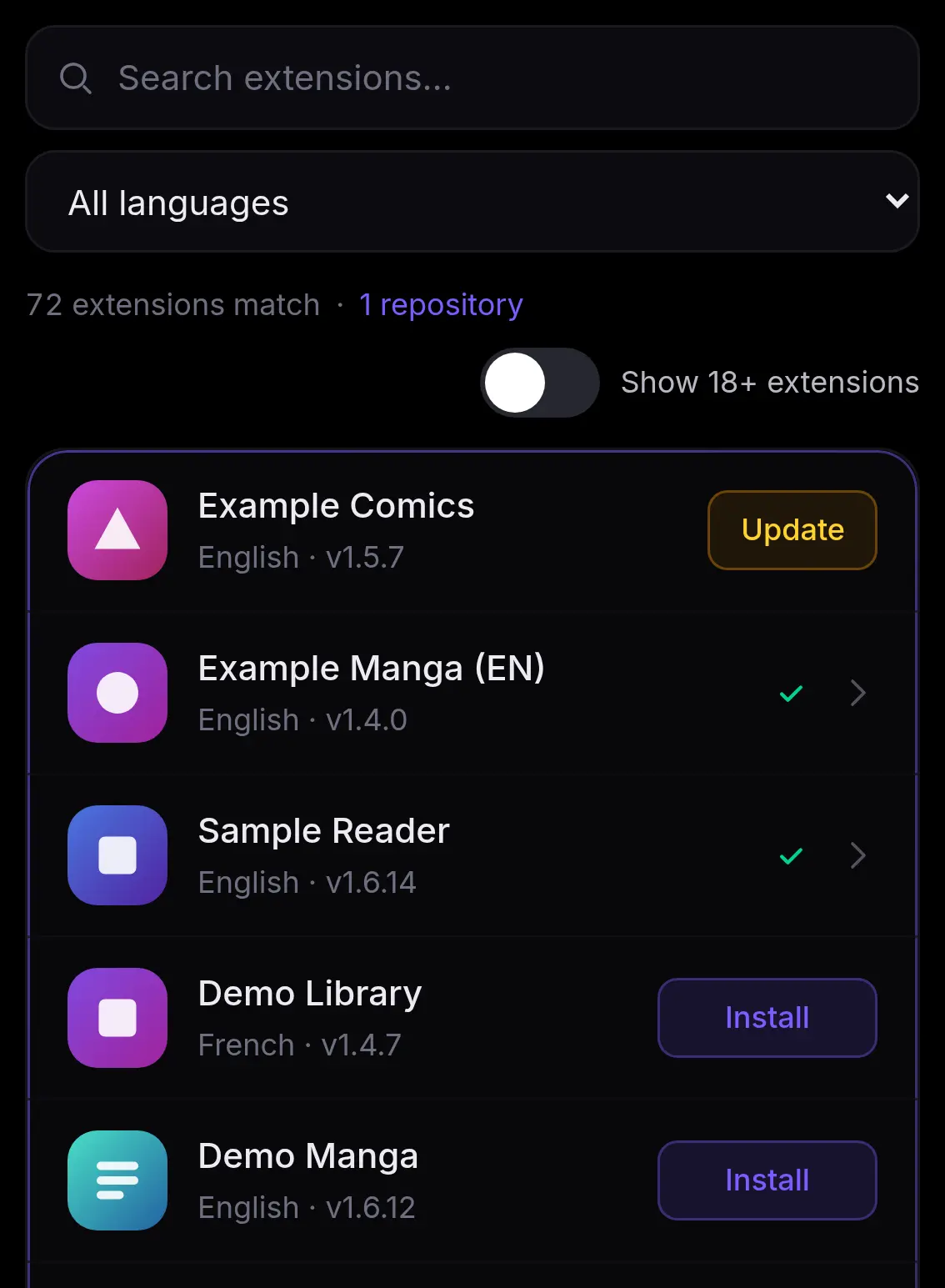
Uchiyomi ships no extensions and suggests no repository. You add the one you trust, the same address you use in Mihon, under Admin → Sources, and its extensions are one click each from then on, searchable straight away and kept up to date by themselves. Hide the languages you don’t read first: a multi-language extension brings one source per language. The step-by-step guide, with every message explained →
What a server adds to a phone app
- It downloads while your phone is off. New chapters arrive on a schedule, into files on your own disk, and a release radar says when each series is next due.
- One library for every device and every person. A phone, a tablet, a computer and an e-reader read the same library, each account with its own progress, favourites, age limit and access.
- Your own files too. The CBZ, CBR and PDF library you already have sits beside what the extensions fetch, in one library.
- Repairs and choices made once, for everyone. Health finds gaps and bad downloads and fixes them, sources check themselves, your preferred scanlation groups apply to every reader, and a backup Cloudflare solver steps in when the first one fails.
- iPhone and iPad included. The reader installs from your server on any phone, Apple’s too, and reads offline. The reader on each device →
- Nightly backups of the database and settings, keeping 1 to 365 of them.
Keeping Mihon on your phone
You do not have to give Mihon up. It can read your Uchiyomi library in two ways, each with an API token from Profile → Connections → API tokens:
- The Uchiyomi extension adds your library as a source in Mihon, any Tachiyomi fork, Tachimanga on iOS and Suwayomi. uchiyomi-extension
- Mihon’s own Komga extension, pointed at Uchiyomi, which answers the Komga API. Mihon’s built-in Komga tracker then syncs your reading progress in both directions, forward only: chapters read on the phone are read on the server, and the other way round on Mihon’s next refresh. Setting it up
Coming from Mihon
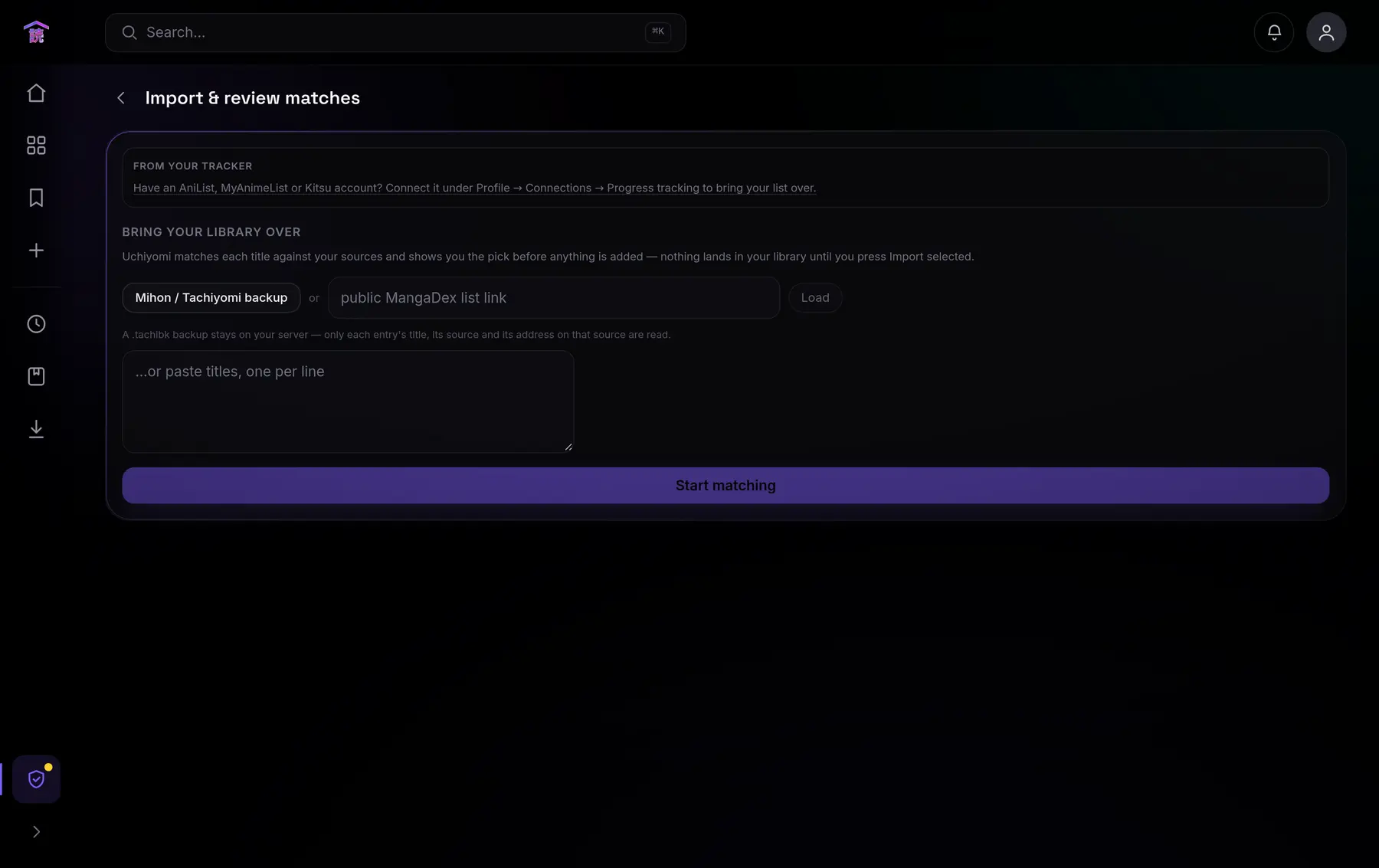
Bring your library over by importing a Mihon or Tachiyomi backup (a .tachibk file),
a MangaDex list, or your AniList, MyAnimeList or Kitsu list. Each title is matched against your sources, and
every match is shown to you, with how sure it is, before anything lands: change it, skip it, or take it.
An entry found on the same extension at the address the backup stored is matched exactly.
Uchiyomi or plain Suwayomi?
Suwayomi is a good server in its own right, and it is the engine inside Uchiyomi, so the honest answer depends on what you want around the extensions. Checked on 14 October 2026 against Suwayomi-Server v2.4.2366 and its web UI:
- Plain Suwayomi is enough if you are the only reader and want Mihon’s extensions in a browser. It schedules updates and downloads, works with FlareSolverr or Byparr, serves OPDS with KOReader sync, backs itself up every day, has desktop bundles and a Homepage widget, and Mihon’s Suwayomi extension and tracker read it from your phone. It is also lighter: one Java program.
- Uchiyomi adds your own CBZ, CBR and PDF library beside the extensions; accounts for a household with their own libraries, age limits and an 18+ library kept out of sight until asked for (Suwayomi’s accounts arrived in preview builds on 30 September 2026, managed through its API); 2FA, single sign-on and scoped API tokens; reading offline on the device, iPhone included, where Suwayomi’s downloads stay on the server; release estimates; credit pages skipped; preferred scanlation groups for the whole server rather than per series; Health with Fix everything; and imports from tracker lists, reviewed before they land.
- Already running Suwayomi? Uchiyomi can use it as its engine instead of starting its own: point
SUWAYOMI_URLat it and give it a FlareSolverr.
The full row-by-row table is on the comparison page.