
Home/Manga reader
A webtoon-first manga reader for every device
Uchiyomi’s reader runs from your own server in any browser, installs as an app on a phone or a tablet, and reads offline. Here is what it does, device by device, and the two things it leaves to other apps.
The reader, built for webtoons first
Most self-hosted readers were built for printed comics and added a long-strip mode later. Uchiyomi started from the other end: its centrepiece is a continuous vertical scroll that adds the next chapter as you near the end, so a manhwa or a webtoon reads as one long ribbon, chapter after chapter. Manga and comics get a paged mode, right to left when the series reads that way, with double-page spreads.
- The right mode for each series. Long strips open as a webtoon and printed pages open page by page, picked from the pages themselves and the series’ type. It never overrides a mode you chose.
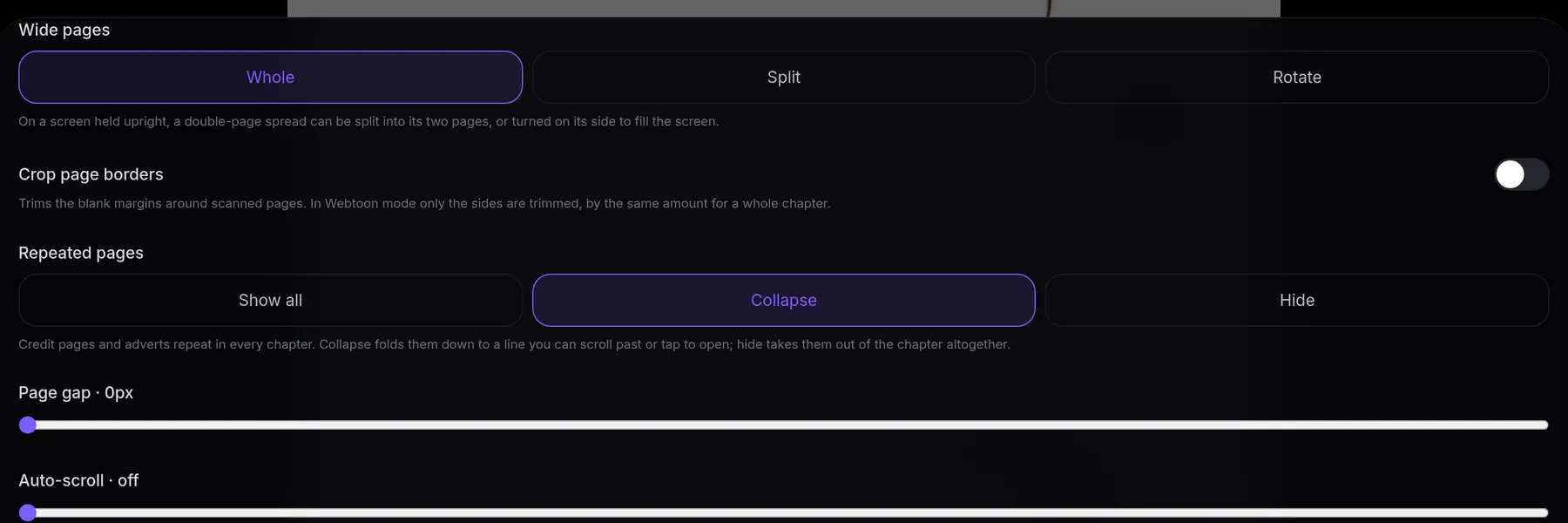
- Wide pages on a phone. A double spread can stay whole, be split into its two halves in reading order, or be rotated to fill the screen.
- Borders cropped. The blank margins of scanned pages are trimmed in your browser, from each page’s own pixels, downloaded chapters included.
- Filters. Invert, grayscale, or an E-ink mode with more contrast and no sliding, set per device.
- Your hands, your way. Tap zones (including the L-shaped and Kindle-style layouts Mihon readers know), every key rebindable, and a game controller that works the moment you plug it in.
- Smooth on long strips. Only the images near you stay decoded, so a chapter of very tall strips no longer holds a gigabyte in memory; zooming in the middle of a strip keeps your place.
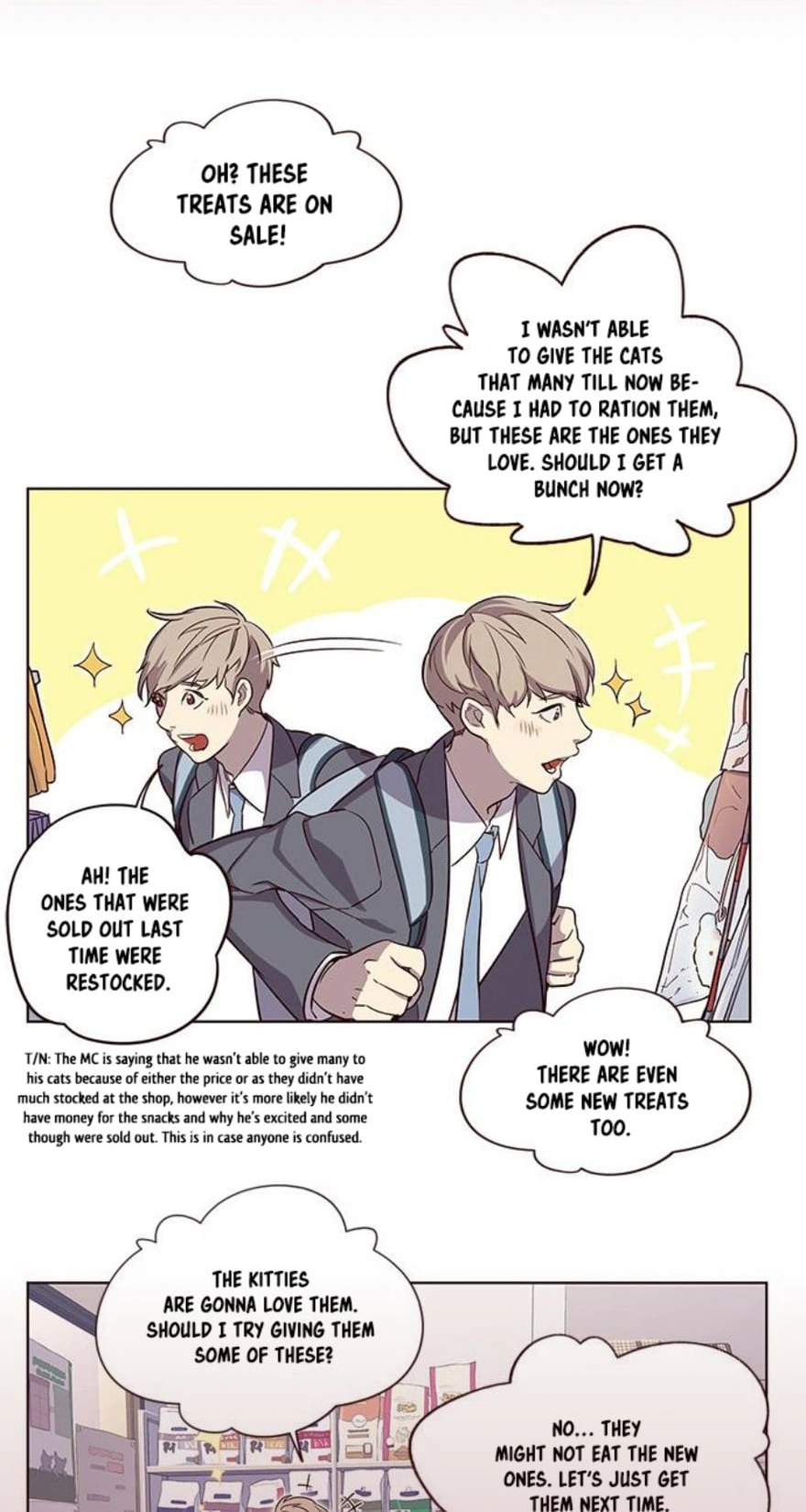
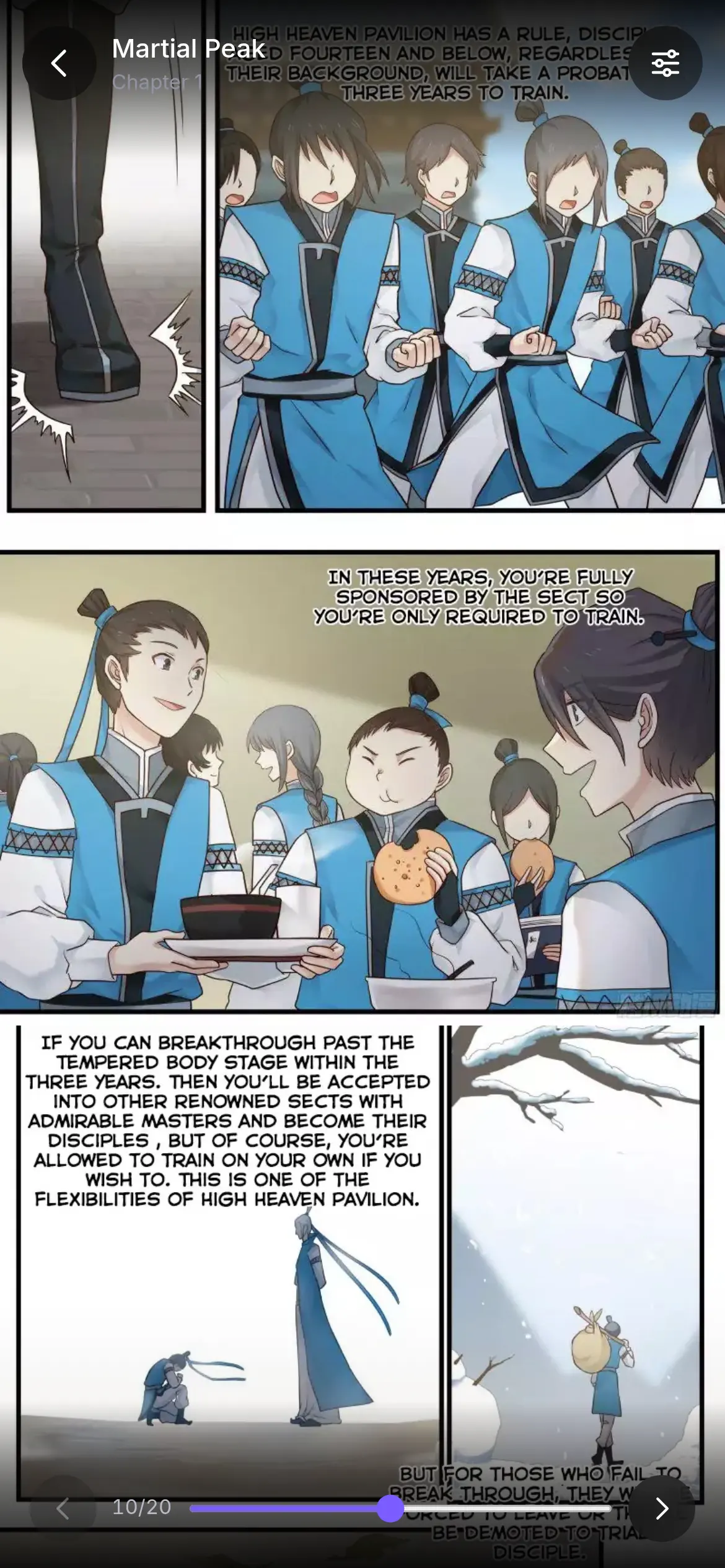
It skips the pages that are not the story
Scanlated chapters often open or close with the same credit page or advert. Uchiyomi finds those pages by repetition across a series’ chapters and folds each one into a thin band you can scroll past or tap open. You can hide them altogether, or show everything as it came.
On iPhone and iPad
Open your Uchiyomi in Safari and choose Add to Home Screen. It becomes a full-screen app with its own icon, installed from your own server rather than an app store, and it reads offline.
Add it to the Home Screen on Apple devices. Left as an ordinary Safari tab, Safari deletes a site’s storage after seven days without a visit, downloaded chapters included. Installing it exempts the app from that rule. Chrome and Firefox on iOS use Safari’s engine, so the same applies there.
On an iPad, wide pages can stay whole side by side, and with a keyboard every page turn has a key. Prefer a native app? Tachimanga on iOS reads your Uchiyomi library through the Uchiyomi extension.
On Android
In Chrome, choose Install app from the menu. Downloads and the offline session stay until you sign out; Chrome only clears site data when the phone is genuinely short of space.
Already reading in Mihon? Keep it. Mihon can read your Uchiyomi library two ways: with the Uchiyomi extension, or with Mihon’s own Komga extension pointed at Uchiyomi, whose built-in Komga tracker then syncs your progress back. The Mihon server guide walks through both.
On Windows and Mac
Any browser works, and Chrome or Edge install it as a window of its own. There is also Uchiyomi Desktop (beta), a real Windows and Mac program: either the whole app on your computer, with your library in a folder and no Docker at all, or a window onto the server you already run. It keeps checking for new chapters from the tray or menu bar with its window closed. Download it →
From KOReader, Panels and other apps
Uchiyomi serves an OPDS feed, so readers such as KOReader, Panels and Chunky can browse your library and read page by page over OPDS-PSE: Keep reading, your favourites and your lists are shelves there. Tokens are per account, so each member sees their own.
What it leaves to other apps. Uchiyomi reads comics, manga and image-based EPUB, not reflowable text ebooks: for novels, Kavita is the better choice. And it has no Kobo device sync; that is Komga’s. Both are on the comparison page.
Offline, for real
Save a chapter, a whole series or everything you favourited, and it is stored on the device. With Keep favorites offline on, your favourites’ next unread chapters download by themselves while you are online, so the commute is covered before you leave.
Opening the app with no connection at all, on a plane or in a tunnel, goes straight to your downloads, with what needs the server dimmed until you reconnect. Whatever you read offline is sent up the moment the connection comes back.
Your progress follows you
Your place is kept per account, so you can start a chapter on the phone and finish it on the tablet. Progress also syncs to AniList, MyAnimeList and Kitsu: the highest chapter you finished, never backwards, and Completed only once a series has ended. Reading something you would rather keep to yourself? Incognito reading keeps your place without history, stats or tracker updates.