
Home/Compare
Komga, Kavita and Suwayomi alternatives, compared
Uchiyomi beside the self‑hosted manga servers and apps people weigh it against, checked row by row on 14 October 2026. It is written by the person who makes Uchiyomi, so the rows Uchiyomi loses are in the table too, and every cell comes from that project’s own docs, release notes or code.
The one-line answer. If you only want to read files you already own, run Komga, above all if you read on a Kobo, or Kavita if you read novels as much as comics. If you read on one Android phone and nowhere else, use Mihon. If you want Mihon’s extensions on a server just for yourself, that is Suwayomi. If you want one app that finds, fetches, tracks and reads, for a household, that is Uchiyomi.
Where Uchiyomi loses. It does not read reflowable text EPUB, which Komga and Kavita both do. It has no Kobo sync, which is Komga’s, and it does not sync reading progress with KOReader, which Komga, Kavita and Suwayomi all do. All three are in the table, in their own group at the bottom.
Row by row
Checked on 14 October 2026 against Uchiyomi v0.61.2, Komga 1.29.0, Kavita 0.9.1.4, Suwayomi v2.4.2366 and Mihon 0.21.2. Every server here reads CBZ, CBR, PDF and image EPUB, serves OPDS, can be read from Mihon on a phone and has a Homepage dashboard widget, so those rows are not in the table. The source for every cell is listed in the repository’s copy of this table. These projects move fast and I do not run all of them daily — if a row is wrong or out of date, open an issue and I will fix it here and in the repo.
| Feature | Uchiyomi | Komga | Kavita | Suwayomialso runs inside Uchiyomi | Mihon |
|---|---|---|---|---|---|
| Shape | |||||
| A server for several people, each with their own progress | ✓ | ✓ | ✓ | ◐preview builds | ×one user |
| Installs as an app and reads offline | ✓any device | ◐no offline | ◐no offline | ◐no offline | ◐Android only |
| Desktop app for Windows and Mac | ✓ | ✓ | × | ✓ | × |
| Fetching | |||||
| Fetches new chapters by itself | ✓ | ×you add files | ×you add files | ✓ | ✓ |
| Runs Mihon / Tachiyomi extensions | ✓ | × | × | ✓ | ✓ |
| Adds a site from its address, no extension needed | ✓ | – | – | × | × |
| Prefers or blocks scanlation groups | ✓library-wide | – | – | ◐per series | ◐per series |
| Keeps a chapter that is missing a page, then repairs it | ✓ | – | – | × | × |
| Estimates when the next chapter is due | ✓ | × | ✓ | × | ✓ |
| Reading | |||||
| Scrolls straight on into the next chapter | ✓ | ×one book at a time | ◐replaces the strip | ✓ | ✓ |
| Skips credit and repeated pages | ✓files untouched | ◐deletes them from files | × | × | × |
| Household & access | |||||
| Two-factor sign-in | ✓ | × | × | × | – |
| Login lockout, audit log, session list | ✓ | ◐login log | ◐lockout | × | – |
| Single sign-on (OIDC) | ✓ | ✓ | ✓ | × | – |
| API tokens scoped to read, write or admin | ✓ | ◐unscoped keys | ◐unscoped keys | × | – |
| Age ratings with a limit per member | ✓ | ✓ | ✓ | × | – |
| An 18+ library hidden until a member asks for it | ✓ | × | ◐a role to raise it | × | – |
| Library care | |||||
| Syncs progress to AniList / MyAnimeList / Kitsu | ✓ | × | ◐Kavita+, paid | ✓ | ✓ |
| Imports your AniList / MyAnimeList / Kitsu list | ✓ | × | ◐Kavita+, paid | × | × |
| Imports a Mihon backup | ✓ | × | × | ✓ | ✓ |
| Smart lists (saved filters) | ✓ | × | ✓ | × | × |
| Finds chapter gaps and bad downloads, and fixes them | ✓ | ◐broken files | ◐broken files | ◐gap markers | ◐gap markers |
| Backs itself up on a schedule | ✓ | × | ✓ | ✓ | ✓on the phone |
| Where Uchiyomi loses | |||||
| Reads text ebooks (reflowable EPUB) | ×on purpose | ✓ | ✓ | × | × |
| Kobo device sync | × | ✓ | ×planned | × | × |
| KOReader progress sync | × | ✓ | ✓ | ✓ | × |
Reading the half marks.
- No offline: Komga, Kavita and Suwayomi’s web UI can be added to a home screen, but none of them keeps chapters on the device to read without a connection.
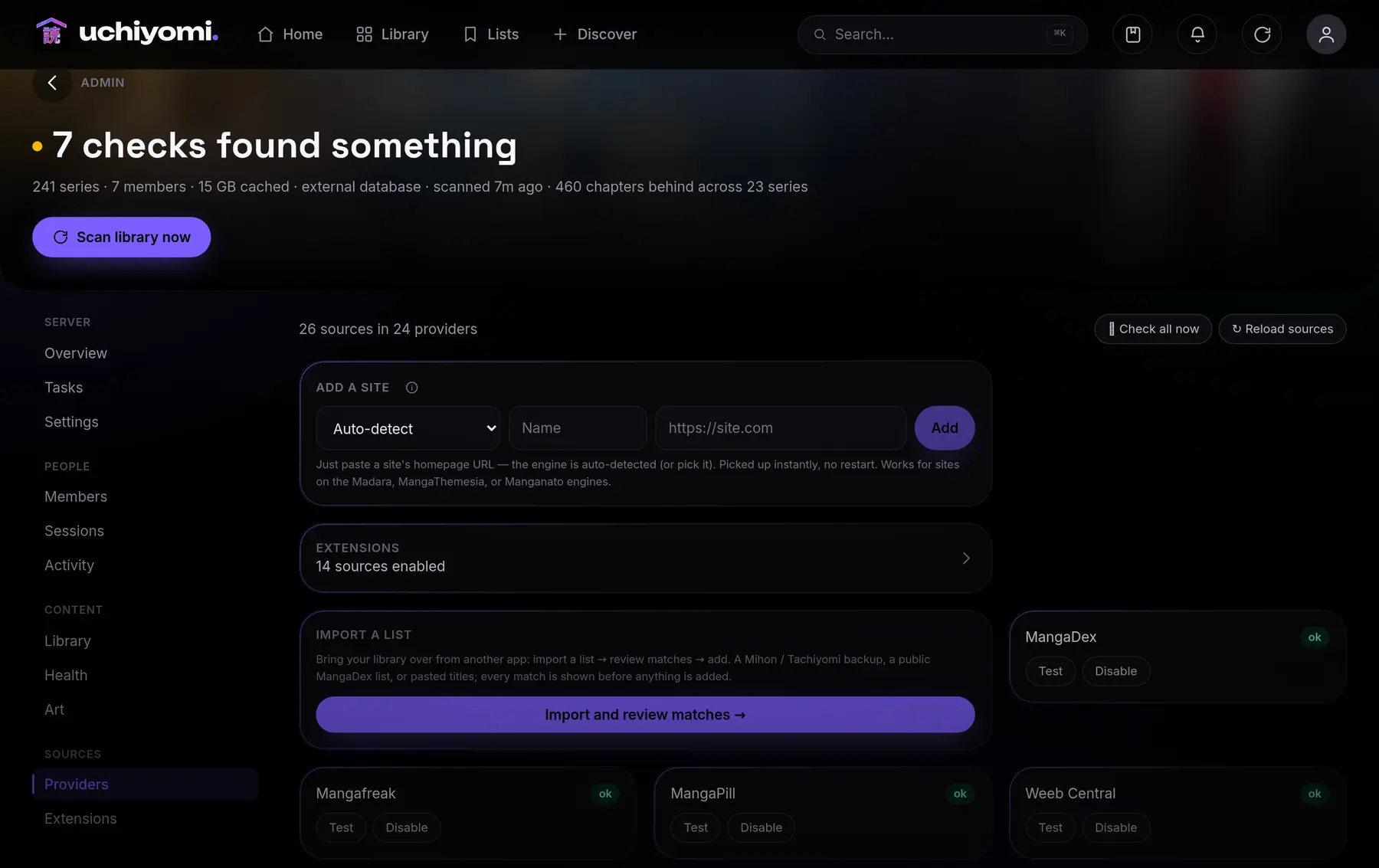
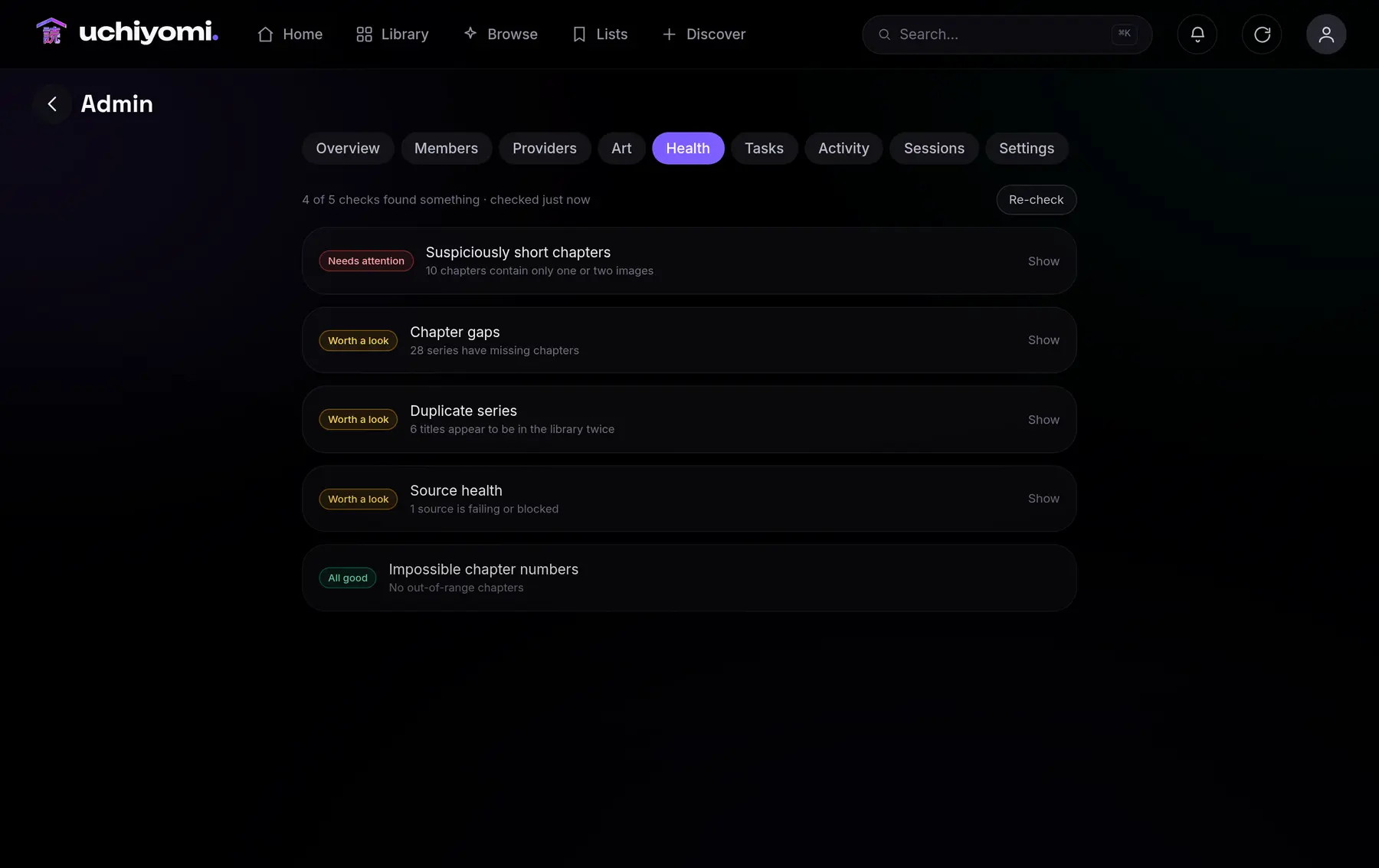
- Per series, gap markers: Mihon and Suwayomi can hide a scanlator in one series’ chapter list, and mark the chapter numbers missing from it. Uchiyomi prefers, blocks or waits for a group across the library, and its Health also finds short chapters, bad downloads, duplicates and failing sources.
- Broken files: Komga and Kavita list the files that would not open; neither checks for missing chapters.
- A role to raise it: Kavita can let a member raise their own age limit. Uchiyomi keeps an 18+ library out of sight altogether until a member asks for it.
Komga or Kavita?
If you are choosing between the two library servers rather than looking past them, the answer turns on how you read. Both are free, mature and multi-user, both run as a single container with their database inside, and both have OPDS, single sign-on, age ratings and an extension for Mihon. Neither downloads anything: they serve the files you put in front of them.
- Komga if you read on a Kobo: it syncs natively, both ways, and converts to KEPUB on the fly. Also if you want OPDS 2, tools that tidy your files (duplicate pages and files, a trash bin, CBR converted to CBZ), or the interface in your own language: it has 39 translations, most of them nearly complete, and unlike Kavita it lays out right to left.
- Kavita if you read novels as much as comics: its EPUB reader has custom fonts and highlights. Also if you like saved smart filters pinned to the dashboard, a forecast of when each series’ next chapter lands, and scheduled backups and a login lockout out of the box. Tracker sync and richer metadata are in Kavita+, at $4 a month, and native Kobo sync is promised for its v0.9.2.
Either way, new chapters arrive by some other means. That can be Uchiyomi, working as the downloader for Komga or Kavita, or it can replace both, which is what the rest of this page weighs.
Komga
- ✓Serves your files
- ×Fetches new chapters
- ✓Kobo & KOReader sync
- Best if
- You read on an e‑ink Kobo, or you already own the files and want the most mature server on this list.
- Loses on
- Fetching. Something else has to find and download the chapters, and it keeps no backups of its own.
Komga is the most mature server in this list and the one I point people at most often. It has been around for years, its OPDS support is excellent, OPDS 2 included, and it does two things Uchiyomi does not: Kobo sync, which is genuinely the reason to choose it if you read on an e-ink Kobo, and KOReader sync. It reads text EPUB as well, its file tools are deeper, and its community is larger.
What it does not do is fetch. Komga serves the files you put in front of it; something else has to find and download them, which in practice means running Suwayomi or a downloader next to it and pointing both at the same folder. That works, and plenty of people run exactly that. Uchiyomi’s argument is that the fetching should know what the reader knows: which chapters you are missing, which translation you prefer, which page came down broken. Two smaller differences: Komga’s webtoon reader stops at the end of each book rather than scrolling on into the next, and it has no scheduled backups, so you copy its database file yourself.
Its duplicate-page tool is worth a sentence, because Uchiyomi solves the same problem differently. Komga can find the credit pages repeated at the start and end of a library’s files and delete them from the CBZ files. Uchiyomi finds the same pages and folds them away in the reader, leaving your files as they were.
Uchiyomi reads the same CBZ and CBR files from the same folders, and cannot write to them unless you give it the library’s owner, so running both against one library while you decide costs nothing and risks nothing.
Kavita
- ✓Reflowable text EPUB
- ×Fetches new chapters
- ◐Tracker sync · Kavita+
- Best if
- You read prose novels as well as manga and want one library for both.
- Loses on
- Fetching, and tracker sync sits behind Kavita+, which is paid. Uchiyomi’s is in the box.
Kavita is the broadest of them: comics, manga and reflowable text EPUB in one library, with an EPUB reader that does custom fonts and highlights. If you read prose novels as well as manga, it is the obvious answer, and nothing here is trying to argue you out of it. Uchiyomi deliberately does not do text ebooks — doing them properly is a different product, and doing them badly would be worse than not doing them.
It also does several things Uchiyomi does, and does them well: saved smart filters you can pin to the dashboard, a forecast of when a series’ next chapter should land, scheduled backups and a login lockout. Its webtoon mode loads the next chapter when you scroll past the end, in place of the one you were reading rather than below it.
Two things to know. Kavita’s tracker sync lives behind Kavita+, which costs $4 a month and covers AniList, MyAnimeList, MangaBaka and Hardcover but not Kitsu; Uchiyomi’s AniList, MyAnimeList and Kitsu sync is in the box. And like Komga, Kavita does not fetch: it is a library server, so new chapters arrive by whatever means you already use.
Suwayomi
- ✓Fetches via Mihon extensions
- ◐Accounts · preview builds
- ×2FA, SSO, age ratings
- Best if
- You read on your own and want Mihon’s extensions on a server. Uchiyomi embeds this engine, and on the extension route the two fetch identically.
- Loses on
- The household. Accounts for several people are only in preview builds, with no 2FA, single sign‑on or age ratings, and the web app does not read offline.
This is the one where honesty matters most, because Uchiyomi embeds Suwayomi. The optional extension engine in the default compose file is Suwayomi-Server, and it is what actually runs the Mihon extensions. Without that project there would be no extension catalogue here at all, and it deserves the credit.
So the question is not which of the two fetches better — underneath, on the extension route, they fetch identically. The question is what sits on top. Suwayomi’s own web UI is a capable reader, with continuous scrolling, Mihon’s trackers, OPDS, KOReader sync, daily backups and desktop bundles. What it does not have yet is the household around it: accounts for several people reached its preview builds at the end of September 2026, and there is no 2FA, single sign-on, scoped API tokens or age ratings. Its web app installs on a home screen but does not read offline, and it does not estimate release dates or skip credit pages.
Uchiyomi is the reader, the library, the scheduler and the multi-user server around that engine, plus its own generic engines and MangaDex for the sites that do not need an extension at all. If you already run Suwayomi on your own and are happy reading in it, you do not need Uchiyomi. If you want a household on top of it, that is the gap this fills; the longer version is on the Mihon server page.
Mihon (and Tachiyomi forks)
- ✓The extension catalogue
- ×Self‑hosted, multi‑user
- ◐Offline · Android only
- Best if
- You read on one Android phone and nowhere else.
- Loses on
- Everything shared. The library lives on the device, so there is nothing for the iPad, the laptop, or anyone else in the house.
Mihon is where the extension ecosystem comes from, and it is excellent at what it does, down to an Upcoming screen that predicts when each series’ next chapter lands. It is also an Android app: your library lives on a phone, progress is per-device unless you wire up sync yourself, and there is nothing for the iPad, the laptop or anyone else in the house.
You do not have to choose. Since v0.38.0 Uchiyomi speaks a Komga-compatible API, so you can point Mihon's own Komga extension at your Uchiyomi server and read your self-hosted library inside Mihon, with Mihon's built-in Komga tracker syncing your progress back. There is also a dedicated extension for Mihon, any Tachiyomi fork, Tachimanga on iOS and Suwayomi. The server keeps the files and the progress; Mihon stays the reader on the phone if that is what you like.
Stump, Tranga, KamiYomu, Mangarr and the rest
Beyond those four, two kinds of project come up: library servers that read what you already have, and downloaders that fetch files for a library server to read — the *arr approach, after Sonarr and Radarr. Checked on 14 October 2026, from each project’s own repository:
- Stump: a library server for comics, manga and books, with OPDS, Kobo and KOReader sync and single sign-on. It does not download. Latest release v0.1.10, September 2026.
- KamiYomu: a .NET manga reader and downloader with plug-in sources and a single admin login. Latest release 1.4.0, September 2026.
- Tranga: a downloader that watches series and tells Komga or Kavita to scan, with no login. Still worked on, with no tagged release since 2023.
- Mangarr: a Sonarr-style downloader, new in 2026, that writes CBZ files for Komga or Kavita and has no reader by design. An older, unrelated Mangarr was archived in 2025.
- LANraragi and Codex: an archive manager for manga and doujinshi, and a comic archive browser with OPDS. Both active.
- kaizoku and Mango: once the usual answers for a downloader and a lightweight server. Both archived, in February and March 2025.
The downloaders do the grabbing job and are honest about their scope: none of them is a reader for a household, so you still run Komga or Kavita beside them, pointed at the same folder. Uchiyomi’s whole argument is that for manga those jobs are not worth separating. A fetcher that shares a database with the reader can tell you which chapters the sources have that you do not, choose between scanlation groups, follow the same series on a second source, and repair a chapter that came down missing three pages. More on the manga downloader page.
Can I run more than one?
- ✓Your library left read‑only
- ✓Downloads kept separate
- ✓Nothing to undo
- Do it by
- Mounting the same library folder into both, and reading in whichever you prefer.
- Costs you
- One compose file. Uchiyomi never writes to your folder unless you tell it to, and its own downloads go somewhere else.
Yes, and it is the sensible way to try this. Mount the same library folder into Uchiyomi and into
whatever you run now. Uchiyomi cannot write to it unless you deliberately give it the library’s owner
(PUID and PGID), and anything it downloads goes to its own
separate folder, so your existing library and your existing server carry on untouched. If you decide against
it, docker compose down and you have lost nothing but a few containers.